
How Steam Deck’s desktop mode unlocks potent PC capabilities
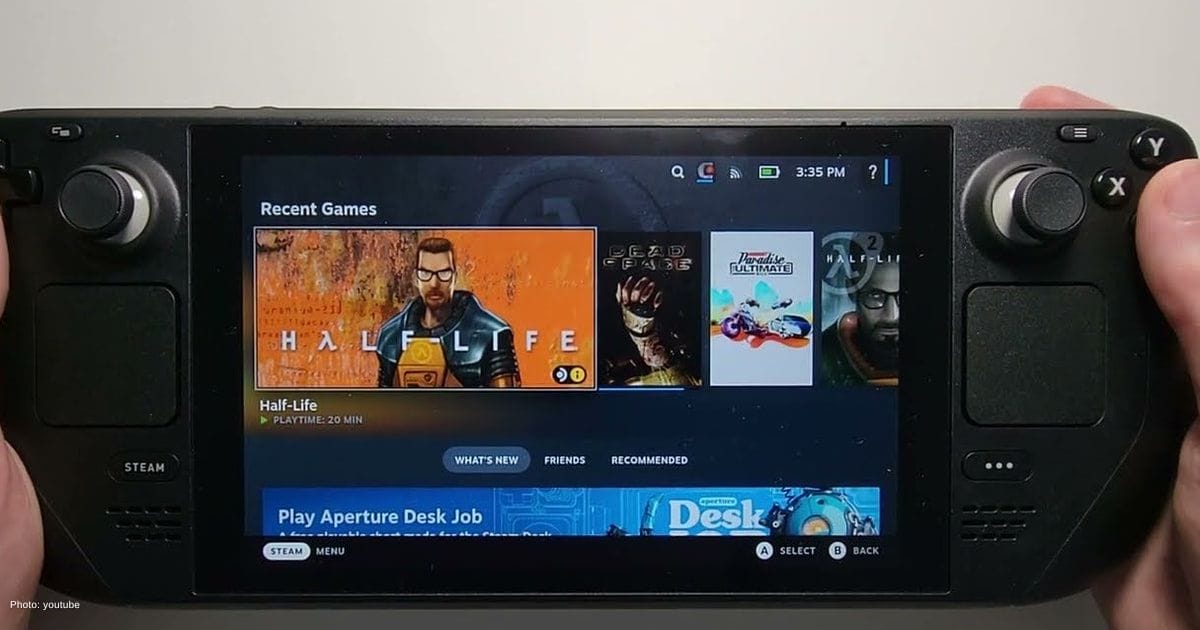
Most people use the Steam Deck the same way they would use a console. You turn it on, pick a game, and play. That works fine, but it leaves out a feature that changes how the device can be used day to day, even for things like light game development.
Once Desktop Mode is opened, the screen no longer looks like a console menu. It becomes a full desktop powered by KDE Plasma, with folders, apps, and a taskbar. Apps can be arranged, installed, and the setup adjusted to match your preference. Under the hood, it runs on a modified version of Arch Linux that is locked to protect the system. That means you can try things out without worrying about breaking the core setup.
This feature matters more now because Linux gaming has improved in recent years. Valve made that possible with Proton, which allows many Windows games to run on Linux without much setup. Because of that, the Steam Deck has become one of the easiest ways for people to use Linux as part of their daily routine.
Key Takeaways
The Steam Deck’s Desktop Mode transforms the device from a gaming console into a versatile desktop computer, offering enhanced usability and flexibility for tasks beyond gaming.
- Desktop Mode on Steam Deck provides a full-featured Linux desktop environment, enabling users to customize their setup, install applications, and manage files easily.
- Connecting the Steam Deck to a monitor and keyboard turns it into a functional desktop PC, ideal for browsing, writing, and modding games.
- Beyond gaming, Desktop Mode unlocks tools for better game performance and access to additional games via alternative launchers, making the Steam Deck a more comprehensive computing device.
Dock it and use it like a real PC
Using Desktop Mode on the small screen works, but it feels much better when you connect the device to a monitor. Add a keyboard and mouse, and you get something close to a regular desktop.
Browse, write, watch videos, or sort files without feeling cramped. The hardware handles this well. Its AMD Zen 2 processor and RDNA 2 graphics are the same kind used in modern consoles and many laptops, so basic tasks run smoothly.
Working with files is simple and familiar. You can install apps through the Discover store without going through complicated steps. A browser like Mozilla Firefox takes only a few seconds to install. After that, downloads and folders are easy to manage using Dolphin, which works much like file managers on Windows.
That setup also makes modding games much easier. Instead of being locked into a console-style system, you can visit sites like Nexus Mods, download files, and place them directly into game folders. If you have modded games on a PC before, the process will feel familiar.
Unlock more games and full system control
More control over how games run also improves performance and overall entertainment. Tools like ProtonUp-Qt make it easy to install different versions of Proton, including GE-Proton. Some games run better or finally work with these versions. Other launchers like Heroic and Lutris can also be installed, opening access to games outside of Steam.
All of this adds up to something many users miss. The Steam Deck is not limited to gaming. With Desktop Mode, you can handle everyday tasks, manage files, install different apps, and shape how your games and entertainment run. Its default interface only shows part of what the device can do, and going beyond it makes the system feel much closer to a full computer than a simple handheld.

Kanishma Ray
Kanishma Ray is an entertainment and anime content writer, who's known to play a mean violin (decently, that is). She's an engineering student by day and a wordsmith by night, with a knack for crafting engaging and helpful content that her readers love. When she's not busy writing, you can find her nose buried in a book or controller in hand, consuming media like it's her job (oh wait, it is).
View all articles
GeForce NOW update brings 90 FPS VR, GOG library sync and day-one game launches
Game Developers Conference served as the stage for major GeForce NOW upgrades, as NVIDIA introduced performance improvements, expanded account integration,...

Inside the evolution of gaming controllers from simple joysticks to immersive techs
The evolution of video game controllers reflects the rapid progress of the gaming industry and the technology behind modern entertainment....

The hidden environmental cost of gaming, and how the industry plans to fix it
Video games now sit at the center of global entertainment, connecting billions of players across consoles, PCs, and mobile devices....