
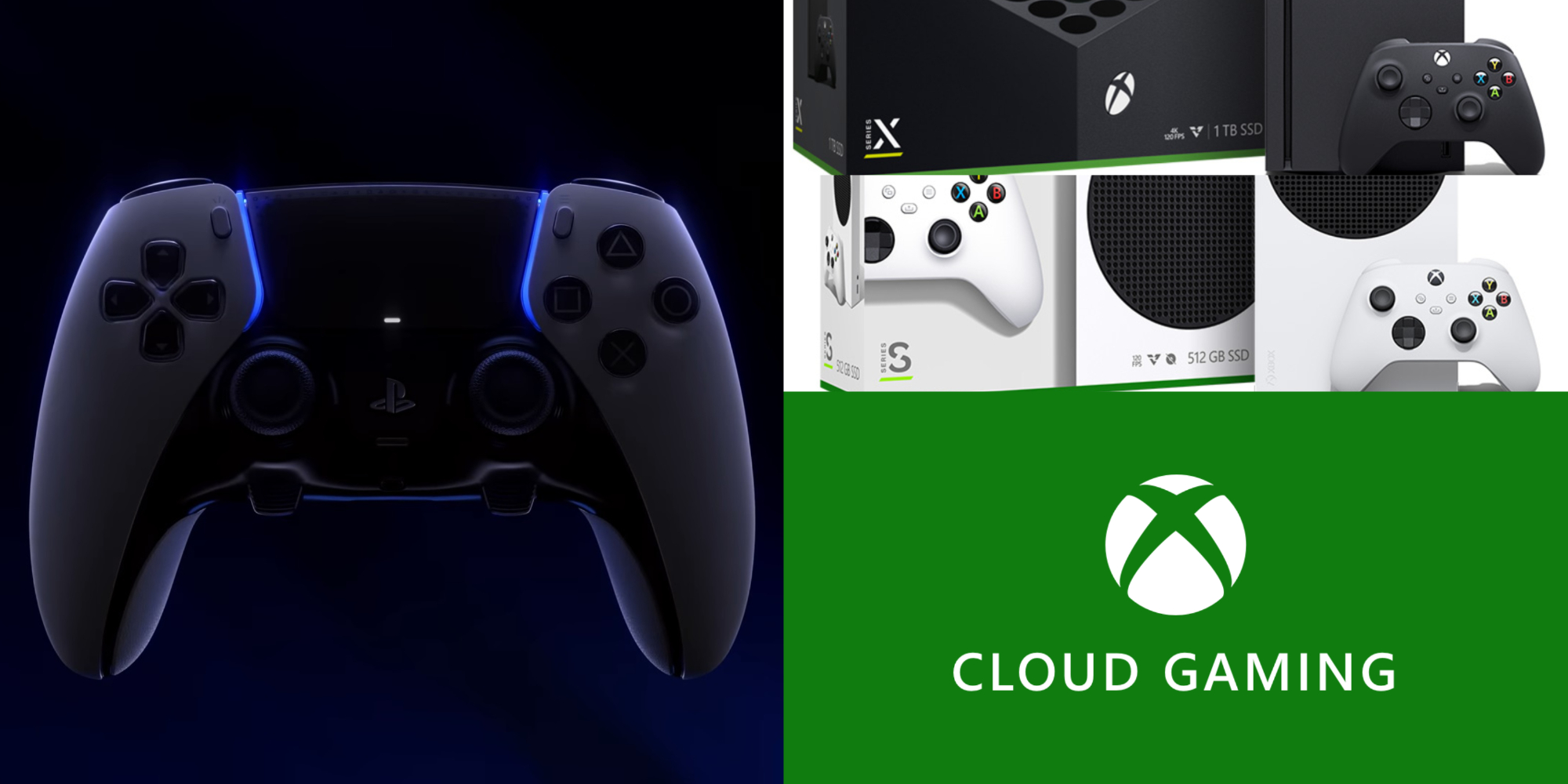
Can I use Sony PS5 DualSense Edge on Xbox? Adapter available?
Hey, players! Got some time for some questions and guides? We got you here. We know that we are not the only ones excited for the release of Sony PlayStation 5’s DualSense Edge, right? Well, there may be a few questions that you are wondering, in case you are using an Xbox console. Can I use Sony PS5 DualSense Edge on Xbox? Is there an adapter available? If you have the same questions as what we wrote just above, you may want to continue to read here. DualSense Edge’s details are yet to be released, so while we wait, let’s get started with this one.
Can you use PS5 DualSense Edge on Xbox?
We’ll be straightforward with you, since there are no further details and features released by Sony (except the teaser above), we can’t answer this question as of now. However, when you ask about Sony’s DualSense controller, we have them here for you. And if possible, you can use these steps to use the upcoming controller on your Xbox consoles too!
- First things first, there is no official way to use your DualSense or any PS5 controllers on Xbox. Xbox does not support the controller and vice versa, but if you want to, you may need a few things to start. We’ll get started with two methods you can use your PS5 controller on your Xbox consoles.
Via third-party adapter
- The first way is through an adapter. Since there is no built-in support for each gadget, you need this one. Well, simply ensure that you plug the adapter into your video game console while the other is plugged into your controller.

Image Courtesy by Console Tuner
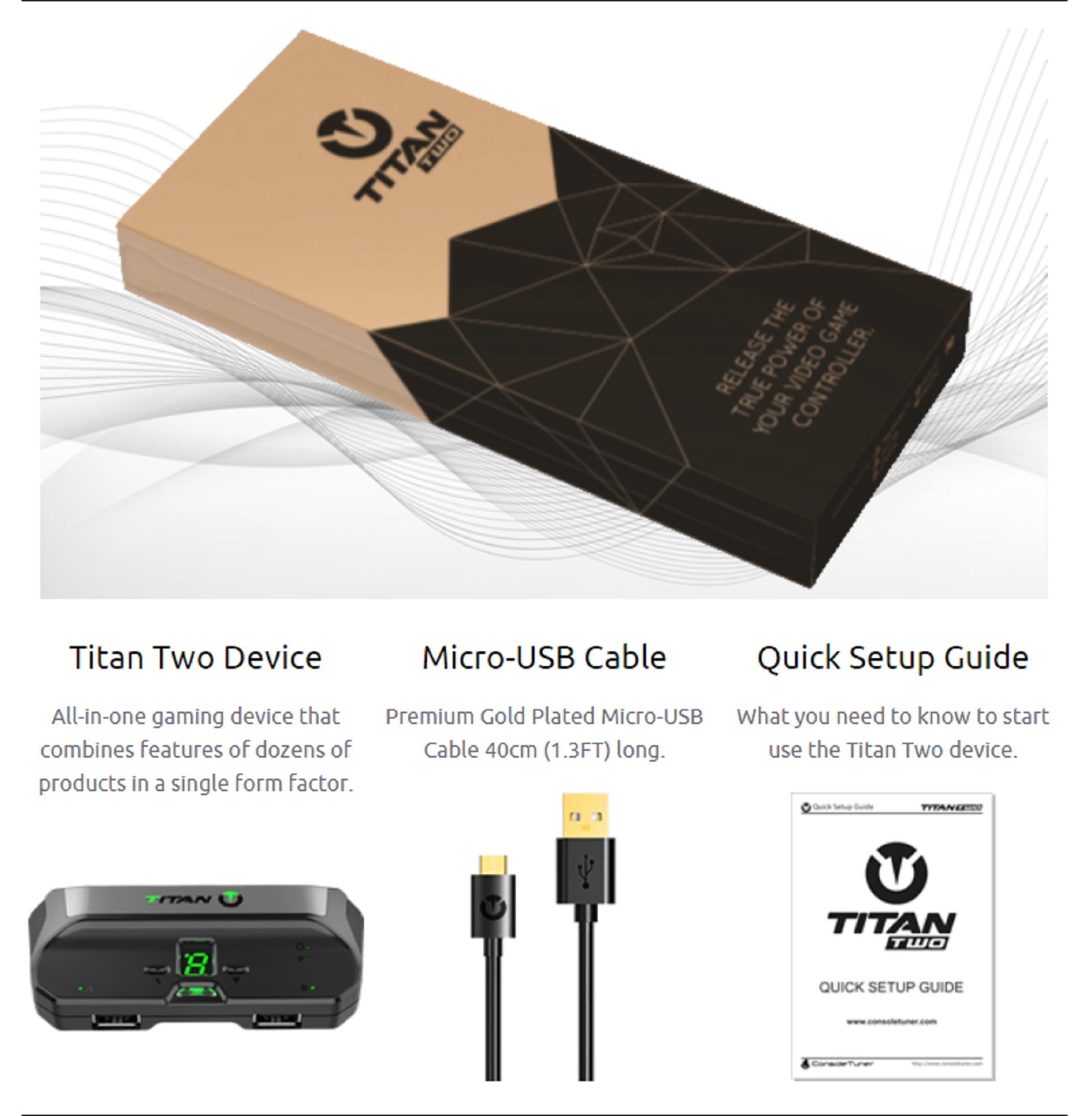
- Make sure that the USB cable is plugged into your console, while the USB-C is on the DualSense controller. Well, that’s quite simple, right? We may want to choose the cheapest we see in the market, but that may be quite easy to break. In line with this, you should know that most third-party adapters with the better to best quality often cost a handful. You may want to look at Titan Two adapter. Peek at what is included in a Titan Two purchase.
Via Xbox Cloud Gaming
- Well, this is the second way for you: play Xbox games with a PS5 DualSense controller through the Xbox Cloud Gaming. Another easy method to utilize your controllers while playing your Xbox games! Fortunately, you can use your PS5 DualSense to connect to your smartphones and gadgets (Android and iOS). And the PS5 controllers as well can be connected to Windows and Mac gadgets.
Image Courtesy of Xbox Cloud Gaming
- All you have to do is download the Xbox game service application on your device (any device from above would do!). Then, simply connect the PS5 DualSense using the USB cable on your computer or with Bluetooth if you’re using mobile devices. Enjoy your Xbox games while using your PS5 DualSense!
- We do hope that these console giants, do provide built-in support for their products so players can play with both of their platforms. Let’s wait for the PS5 DualSense Edge if this feature will roll out!
That’s it, players! Enjoy playing!
RELATED NEWS: Why is the newest Sony PS5 model lighter?
You can also share any questions you have about PlayStation 5 and DualSense Edge below. Until then, stay with us here at Spiel Times for more content.

Zeane Dogelio
Fond of writing poetry and reading. Zeane keeps herself sane through Kpop, and a bit of purchasing the albums too. She enjoys taking photos, most of the time the moon and sunsets. Zeane casually plays CoDM, rhythm games, or just whatever she finds interesting in the application stores, just a piece of gaming info right there.
View all articlesRelated Articles
View All
Nintendo faces fallout from unprecedented game leaks
Inside Nintendo, the mood shifted sharply after reports of a massive leak appeared online. What began as speculation soon turned...
Dell Gaming Laptops: The Smart Choice. Why the G-Series is the Wise Gamer’s Secret Weapon
We are living in a golden age of PC gaming. Games are more beautiful, more complex, and more immersive than...

Sims Rival InZOI Announces Official Release Date After Unexpected Delay
The highly anticipated life simulation game InZOI has officially announced its Early Access release date after an unexpected delay, much...