
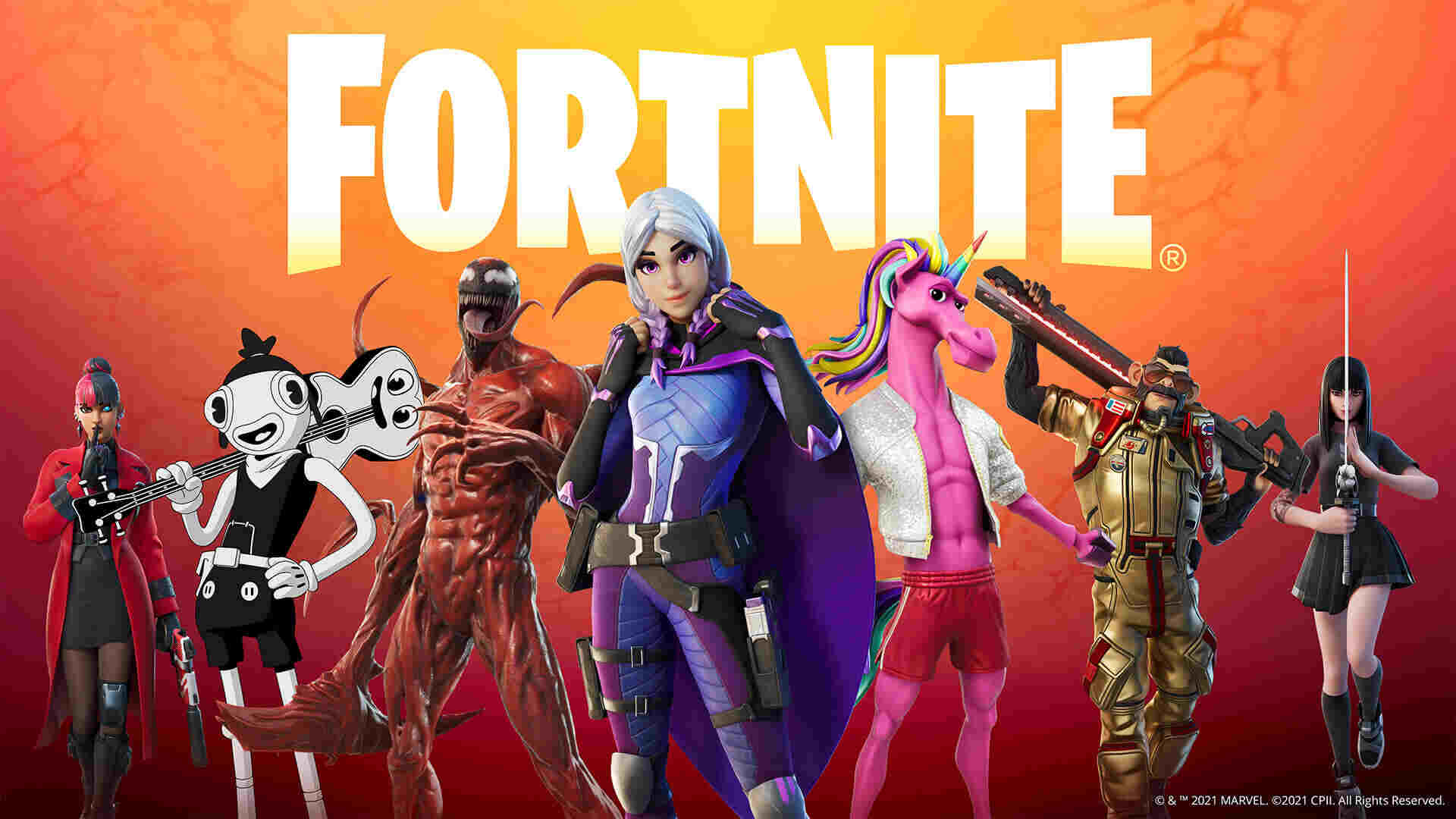
Fortnite: Aim Assist Not Working, How To Fix
We all know that Fortnite is one of the most popular online multiplayer battle royale games. The game frequently conducts events and celebrity crossovers. This makes the game interesting. However, we can see some bugs and issues that always pop up in front of players. The Split-screen “Ready Up!” issue that keeps appearing on Shark Island, etc. are some bugs that are frequently appearing. This time, a new issue has come up – the aim assist issue.
HUD settings
Sometimes the aim assist system may fail to work because of the HUD. So by making adjustments in-game HUD can also help in fixing the aim-assist issues. You can adjust the settings by going to the game’s settings and selecting the HUD option.
Turn on aim assist
The aim assists bug may also occur if the aim assist option is turned off in the controller settings. So always turn the aim assist option.
Kindly follow the steps to turn the aim assist in controller settings:
- Firstly launch Fortnite and then go to the settings menu.
- Then navigate to the Controller Options section of the Settings.
- Under Sensitivity, set Advanced Options to On Here, you can set the Aim Assist Strength to your preferences.
Connect the controller
Always make sure that your controller must be connected before starting the game. if the controller is not properly connected then you might face the problem of aim assisting.
End the game and relaunch
If you are facing the aim assist bug then this is the simplest and easiest way to fix the bug. You can quit the game and relaunch the game after a while. The aim-assist in Fortnite may not be working due to a bad login session in the game. So by relaunching the game it will automatically fix the bug.
If you have any questions regarding Fortnite, feel free to ask in the comments below. For more content, stay with us, here at Spiel Times.
Make sure you also subscribe to our push-notifications and never miss an update from the world of video games. Follow us on Twitter @spieltimes for the latest PS5 restock and drop. Until next time, Stay Safe and Happy Gaming!

Related Articles
View All
Capcom Hints at More Resident Evil Remakes Ahead of Planned Crossover
Capcom has bigger plans for Resident Evil than simply bringing its older titles back with modern graphics. The publisher is...
Tokyo Game Show Marks 30 Years of Gaming Milestones, Launches, and Legacy
Tokyo Game Show (TGS) 2026 celebrates three decades of shaping gaming culture, bringing together players, creators, and the global gaming...
Xbox Responds to Game Pass 2027 Leak as Day-One Rumors Spread
No doubt, Xbox Game Pass could look very different next year, but one of the biggest rumored changes is already...