
How to show hitboxes in Minecraft?
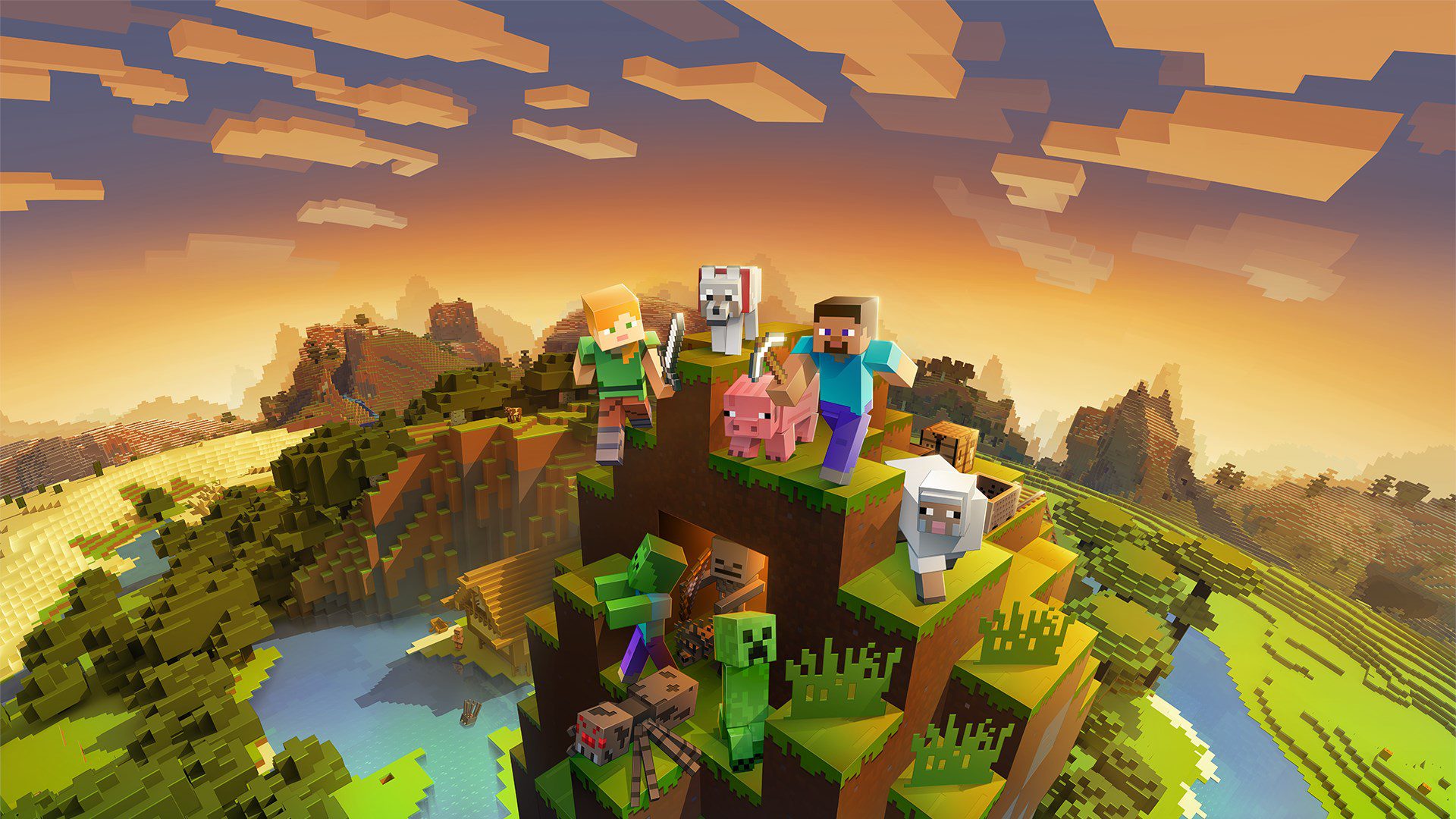
Minecraft is one of the most popular sandbox games out there. It’s been over ten years since the launch of the game and the game still has millions of players playing it on a daily basis. The game is available on almost all platforms, and recently there have been several visual enhancements such as the introduction of RTX.
One of the problems which players face while they are new to Minecraft is turning on hitboxes. Hitboxes basically defines how much place a specific moving object takes on the map. It also defines the line of sight for that object, which is the area which the AI can see. To turn on hitboxes, all you need to is press F3+B on your keyboard.
Hitboxes can be quite useful as they help players in a variety of ways. Be it knowing the parts of the enemies where it can be damaged or differentiating one entity from the other, the hitbox is a much-needed aspect of the game. Once you have turned on the hitbox, you should be able to see both the space it occupies and the line of sight without any issues. The white boxes indicate the space it occupies, the red box is the line of sight, whereas the green box signifies the areas where it can be damaged.

Md Armughanuddin
An avid journalist, an ardent programmer, and a forever rookie gamer, Armu has a knack in finding news at the earliest.
View all articles
Dell Gaming Laptops: The Smart Choice. Why the G-Series is the Wise Gamer’s Secret Weapon
We are living in a golden age of PC gaming. Games are more beautiful, more complex, and more immersive than...

Sims Rival InZOI Announces Official Release Date After Unexpected Delay
The highly anticipated life simulation game InZOI has officially announced its Early Access release date after an unexpected delay, much...
AMD Ryzen 7 9800X3D Sells Out as Scalpers Surge Prices to $999
The AMD Ryzen 7 9800X3D, the latest in AMD’s lineup of high-performance gaming CPUs, has sparked a frenzy among enthusiasts...