
![League of Legends An Unexpected Error Has Occurred [Solved]](https://www.spieltimes.io/wp-content/uploads/2020/08/League-of-Legends-An-Unexpected-Error-Has-Occurred.jpg)
League of Legends An Unexpected Error Has Occurred [Solved]
Many players are facing login issues in League of Legends. This issue isn’t new. If you are a regular League of Legends player, you’d know that this error keeps coming back every once in a while. Here’s everything you can do to fix League of Legends An Unexpected Error Has Occurred issue.
How To Fix League of Legends An Unexpected Error Has Occurred Issue
The problem of League of Legends An Unexpected Error Has Occurred is so well-known that even the League of Legends’ official website has addressed it. They’ve also mentioned some tricks to fix the issue. Here’s what you need to do –
- The first step is very important. Do not “exit” the client. Click on “Sign Out” by pressing Alt + F4 on the client
- Open your Task Manager (Ctrl + Shift + Esc) and close everything that has “Riot” or “League of Legends written. Check both applications and your Background Processes. If you can’t see Background Processes, expand your task manager by clicking the “Down Arrow” that says “More details”
- Disconnect your internet connection
- Restart your computer
- Reconnect your internet
- Open League of Legends or Riot Games client
- Sign in
This should easily fix your problem.
If you’re still having login problems with League of Legends An Unexpected Error Has Occured, feel free to let us know in the comments section below. We’ll try our best to solve your issues.
For more League of Legends content, stay with us, here at Spiel Times.
Make sure you subscribe to our push-notifications and never miss an update from the world of video games. Until next time, Stay Safe, Respect All Lives, and Happy Gaming!
Leave a Comment

Pingal
A gaming aficionado and an avid Dota 2 player, Pingal is the owner of Spiel Times and the main coordinator of the News section.
View all articles
Dell Gaming Laptops: The Smart Choice. Why the G-Series is the Wise Gamer’s Secret Weapon
We are living in a golden age of PC gaming. Games are more beautiful, more complex, and more immersive than...

Sims Rival InZOI Announces Official Release Date After Unexpected Delay
The highly anticipated life simulation game InZOI has officially announced its Early Access release date after an unexpected delay, much...
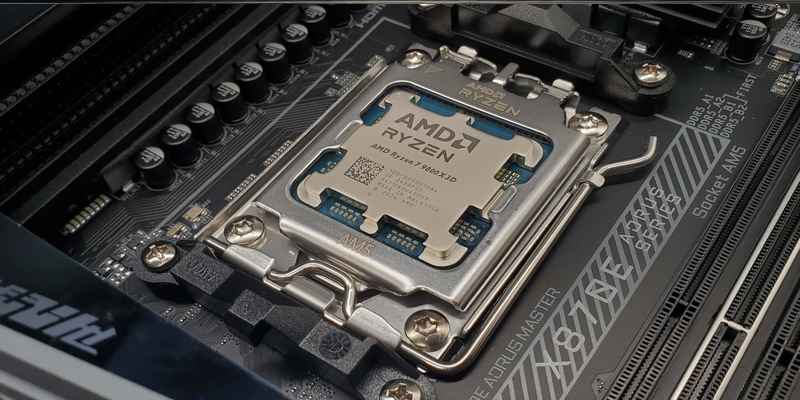
AMD Ryzen 7 9800X3D Sells Out as Scalpers Surge Prices to $999
The AMD Ryzen 7 9800X3D, the latest in AMD’s lineup of high-performance gaming CPUs, has sparked a frenzy among enthusiasts...
it did not work for me
I didn’t work for me either
I get the error “An unexpected error has occured while attempting to join the queue. Please wait a few minutes and try again.”
I queued into a game earlier today and everyone got stuck in champ select for about 20-30 minutes until we all decided to just close the client and re start.
When I logged back in solo/duo and flex were removed, so I tried to join a normal game. That’s when I got the error for the first time. I then waited a good 15-20 minutes and tried again but no luck. I closed the client and update/restart my pc. Still got the same error.
I logged in an alternative account of mine and managed to join queue.
So then I logged out of my alt and relog into my main account. Got the error again.
The error is connected to my main account for some reason.
It didn’t worked for me. My friends playing league while I’m stuck in lobby. Pls help.