
Palworld: How to Move Base | Quick Guide
Starting a new journey in Palworld and thinking of giving your base a new look? This quick guide will help you move your base easily.
Choose a New Location
Pick a new spot for your base, considering what you need (like ores) and the location where you want to build.
Build a New Palbox and Wooden Boxes
Set up a Palbox at your new base. Add Wooden Boxes next to it (at least 10).
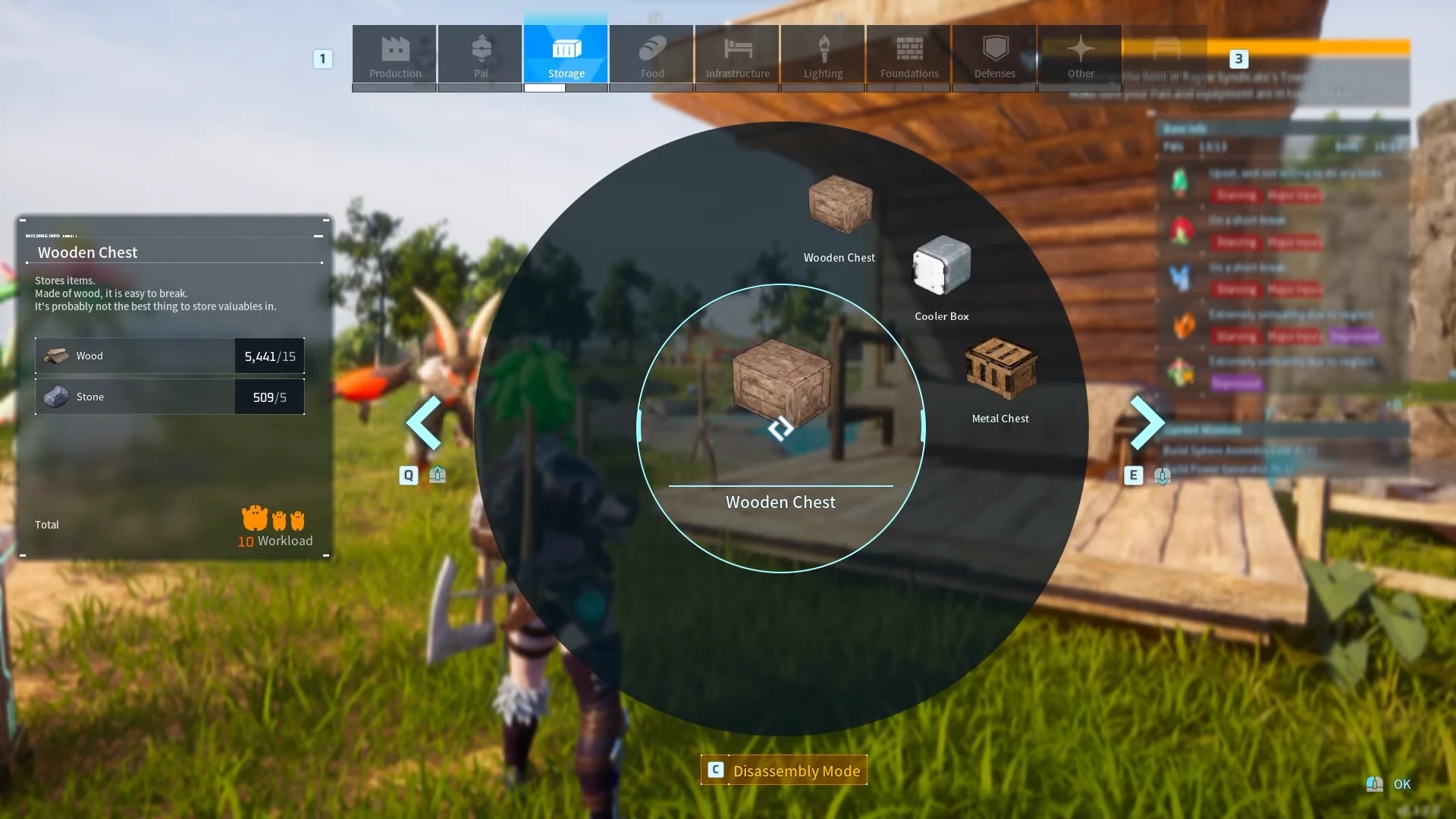
Screengrab Courtesy of Teachers Game Too via YouTube
Disassemble Your Original Base
Disassemble all structures on your original base and collect the materials. Before gathering materials, use Cattivas or Lunaris to increase your weight limit. Once done, you may start transferring materials to your new base. Simply pick up all the disassembled materials, go to your Palbox, and Fast Travel to your new base.
After you fast-travel to your new base, place the materials inside your storage boxes until all your resources are transferred to the new base.
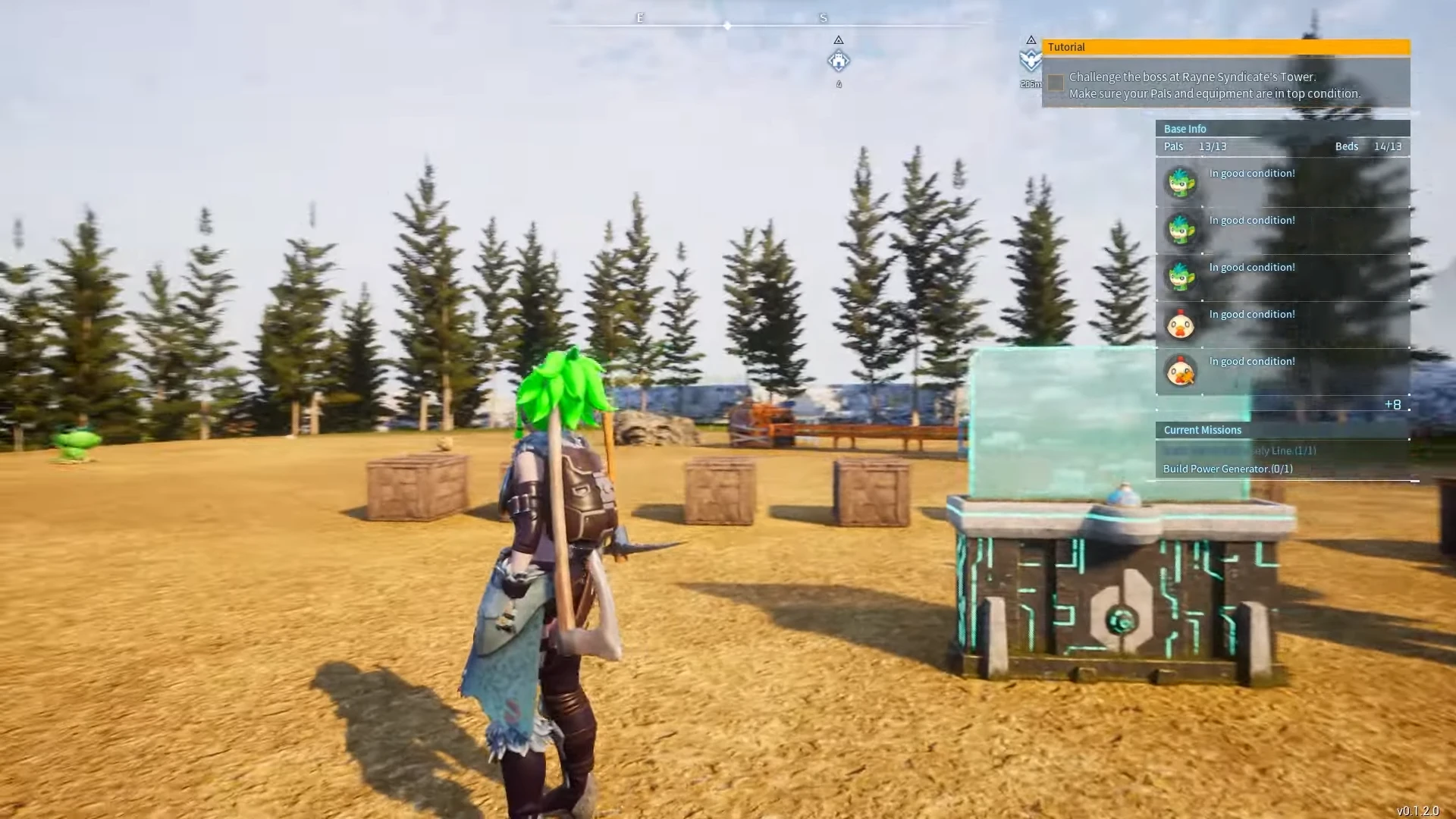
Screengrab Courtesy of Teachers Game Too via YouTube
Important Note: If you get too heavy, use the Grapple Gun to get close to the Palbox. Use Fast Travel to move to the other base and use Grapple until you reach the Storage Boxes again.

Jhimlerry Lacap
Loves to play DotA, LoL, and ML. Finished almost all FF series and enjoys playing MMORPG. Jhimlerry is also a former vocalist/bassist of a local band in the Philippines.
View all articlesRelated Articles
View All
Nintendo faces fallout from unprecedented game leaks
Inside Nintendo, the mood shifted sharply after reports of a massive leak appeared online. What began as speculation soon turned...
Dell Gaming Laptops: The Smart Choice. Why the G-Series is the Wise Gamer’s Secret Weapon
We are living in a golden age of PC gaming. Games are more beautiful, more complex, and more immersive than...

Sims Rival InZOI Announces Official Release Date After Unexpected Delay
The highly anticipated life simulation game InZOI has officially announced its Early Access release date after an unexpected delay, much...