
Roblox: Error Code 400 (2022), How To Fix?
Error Code 400
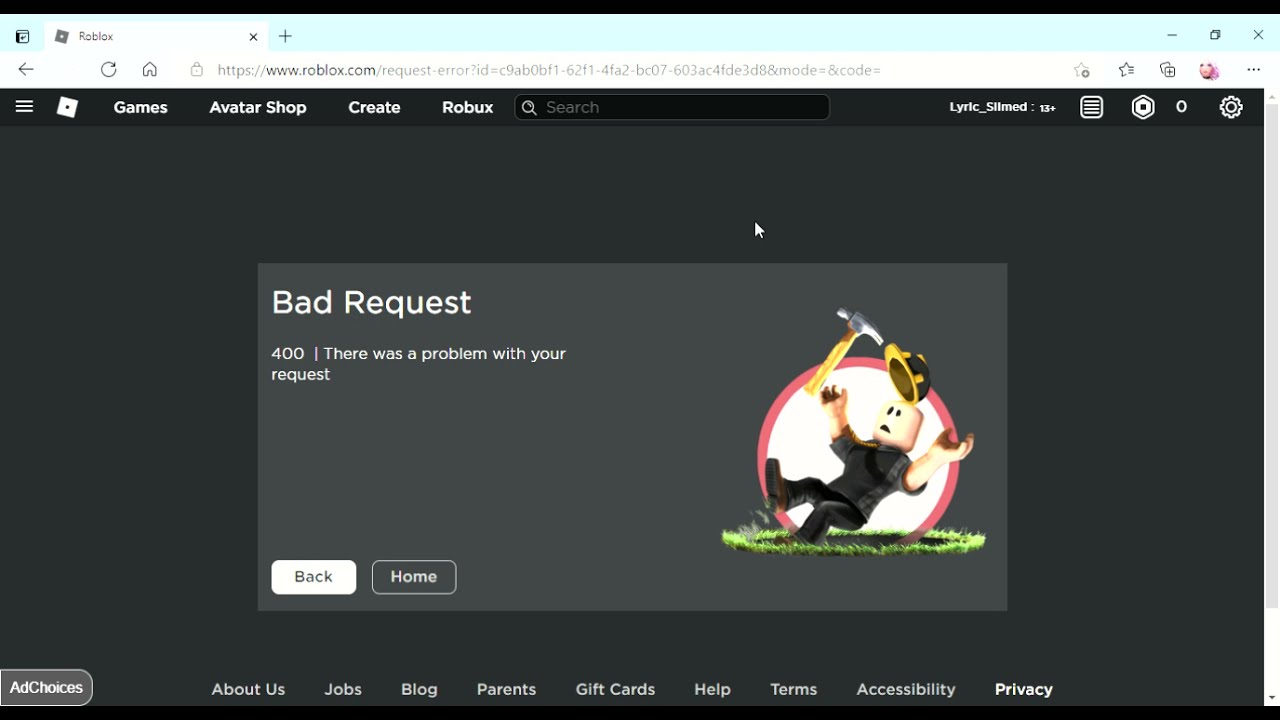
Due to the client, the Roblox 400 Bad Request error appears. Simply said, your request to the Roblox servers has encountered a problem, and there could be several causes for this. It could be a server error, or it could be anything to do with the browser cache, a URL issue, cookies, or something else.
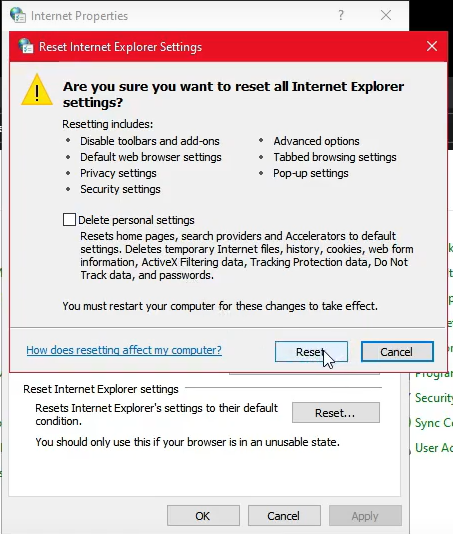
Screengrab Courtesy of Fix-It guy via Youtube
Reset your Internet Connection
- Restart your Internet service.
Look to see if there is any server maintenance going on.
- Check to see if there’s anything trending on social media about Roblox Error Code 400 or if there’s server maintenance going on.
- If this is the case, simply wait for the servers to come back online and may fix the issue.
To fix your internet selections, follow these steps:
- Navigate to the Windows Settings menu.
- Select Control Panel.
- Choose Internet Options from the menu bar.
- Select the Advanced Options option.
- Press the Reset button.
- Before you click, make sure you’ve read everything on the pop-up.
RELATED: Error Code 769 Roblox – How To Fix
To fix Roblox Error Code 400, check your Firewall settings.
- There’s a risk that Roblox is being hampered by the Firewall. Disable it and see if it fixes the problem.
If your antivirus is causing the problem, turn it off.
- Apart from the Firewall, the Antivirus program may cause a problem, so disable it and see whether the error persists.
Clear your cache and cookies at the same time.
- Go to your browser’s settings and choose it.
- Clear Browsing Data, Clear Cookies, and Clear Cached Images and Files are all options. Click Clear Data to confirm this action.
- All temporary files will be deleted as a result of this action. However, you should only do this if you know all of your browser log-in credentials because you will be trying to sign in again.
Roblox should be reinstalled
- Roblox should be reinstalled. If things work out after reinstalling, it suggests the problems were caused by your device rather than the server.
RELATED: Roblox King Legacy: Devil Fruit, How To Get
If you have any questions regarding Roblox, feel free to ask in the comments below. For more content, stay with us, here at Spiel Times.
Make sure you also subscribe to our push-notifications and never miss an update from the world of video games. Follow us on Twitter @spieltimes for the latest PS5 restock and drop. Until next time, Stay Safe and Happy Gaming!

Jhimlerry Lacap
Loves to play DotA, LoL, and ML. Finished almost all FF series and enjoys playing MMORPG. Jhimlerry is also a former vocalist/bassist of a local band in the Philippines.
View all articlesRelated Articles
View All
Tokyo Game Show Marks 30 Years of Gaming Milestones, Launches, and Legacy
Tokyo Game Show (TGS) 2026 celebrates three decades of shaping gaming culture, bringing together players, creators, and the global gaming...
Xbox Responds to Game Pass 2027 Leak as Day-One Rumors Spread
No doubt, Xbox Game Pass could look very different next year, but one of the biggest rumored changes is already...

Xbox Revenue Falls 10% as Its New CEO Leads With Unflinching Honesty
Xbox revenue falls 10% year over year, putting CEO Asha Sharma’s turnaround strategy under scrutiny. Microsoft’s fiscal fourth quarter ended...