
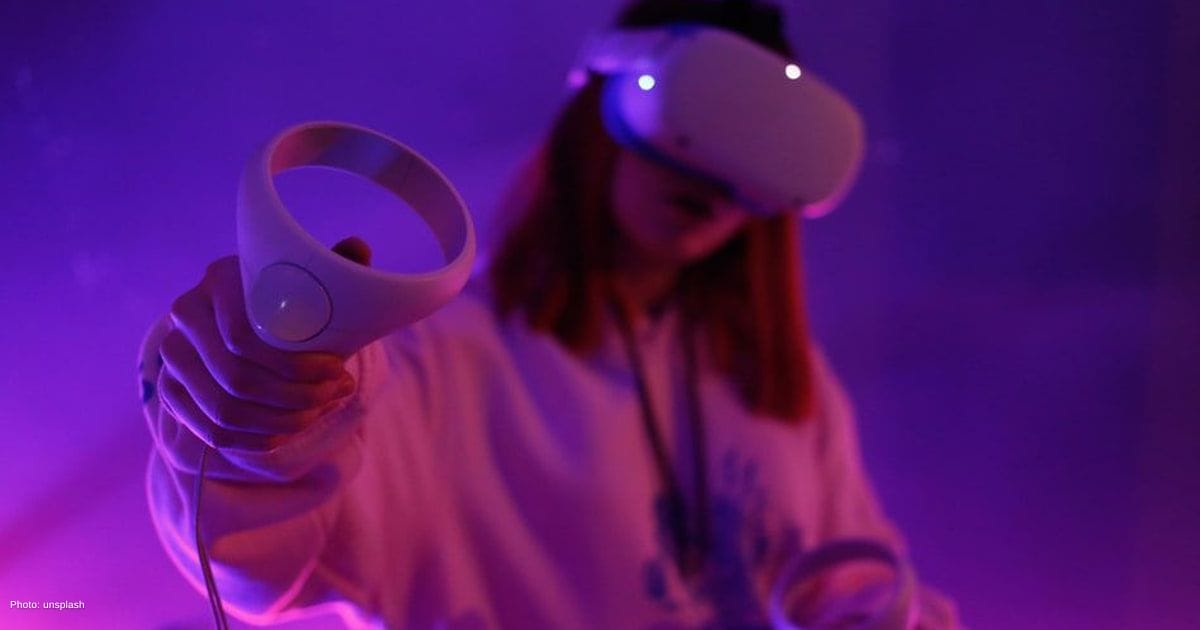
The real reason VR feels amazing—or makes you sick
Virtual reality gaming isn’t some far-off idea anymore. It’s here, and it feels real. Want to step inside a game instead of just watching it? That’s what a good VR setup does. The goal is simple: get the right gear, enough space, and a setup that works smoothly.
Let’s start with the heart of it all: the PC. Why? VR has to create two images at once, one for each eye. That takes power. A strong GPU like an RTX 30 or 40 series, or an AMD equivalent, keeps things running smoothly. Pair it with a modern processor and at least 16GB of RAM. Planning ahead? Go for 32GB. Add a fast SSD so games load quickly and don’t break the flow.
Now, what about the headset? This is your window into the virtual world. Do you want something simple and wireless, or do you want the best visuals possible?
Standalone headsets give you freedom to move without cables. PC-tethered ones push better graphics. Higher resolution makes everything look sharper, while a refresh rate of 90Hz or more helps avoid that uneasy, dizzy feeling. Ever tried VR that feels choppy? Not fun.
Key Takeaways
The article discusses the key components and setup requirements for a comfortable and immersive virtual reality (VR) experience.
- Strong hardware, including a powerful GPU and at least 16GB of RAM, is essential for smooth VR gameplay.
- Proper space and tracking setup, such as using external sensors, are crucial for precise movement tracking and avoiding obstacles.
- Good performance optimization tools and routine maintenance ensure a comfortable VR experience and prevent motion sickness.
The setup behind the realism
Space is another piece people forget. Got at least a 2 x 2 meter area? That’s your starting point. Clear out chairs, tables, anything you might bump into. Ever swung your arm and hit something mid-game? That breaks immersion fast. Simple touches like floor mats can help you stay centered without thinking about it.
Then comes tracking. How does the system know where you are? Some headsets track movement using built-in cameras. Easy and quick. Others use external sensors placed around your room. That setup takes more effort, but the tracking is more precise. If you like fast-paced or competitive games, that extra accuracy can make a difference.
Accessories might seem optional, but they change the gaming experience more than you’d expect. Better controllers feel more natural. Charging docks keep everything ready to go. Cable management matters more than you think. No one wants to trip or feel a cable tug mid-action. Want total freedom? Wireless options solve that. Good audio also pulls you deeper into the game by blocking out real-world noise.
The fix for choppy VR and messy gear
Performance has also improved in smart ways. Tools like DLSS or FSR help games run smoother without making them look worse, which matters not just for Entertainment but also for creators working in game development.
Why does that matter? Because low frame rates in VR don’t just look bad, they can make you feel sick. Smooth gameplay keeps everything comfortable.
Don’t forget routine care for your gaming ritual. Wipe the lenses, clean the face padding, and store the headset away from sunlight. Sharing with others? Swap or cover the face cushion. It keeps things clean and more comfortable for everyone.
In the end, building a great Virtual Reality setup isn’t about buying the most expensive parts. It’s about balance. When everything clicks, you stop thinking about the gear. You just step in and play.

Bipradeep Biswas
Bipradeep Biswas is an undergraduate student majoring in Computer Science and Engineering. He has a passion for anime and gaming, which he enjoys in his free time. Recently he has started writing articles for Spiel Times. In addition to his love of writing, he is fascinated by new technologies as well as possesses an insatiable curiosity for the mysteries of the universe and beyond.
View all articles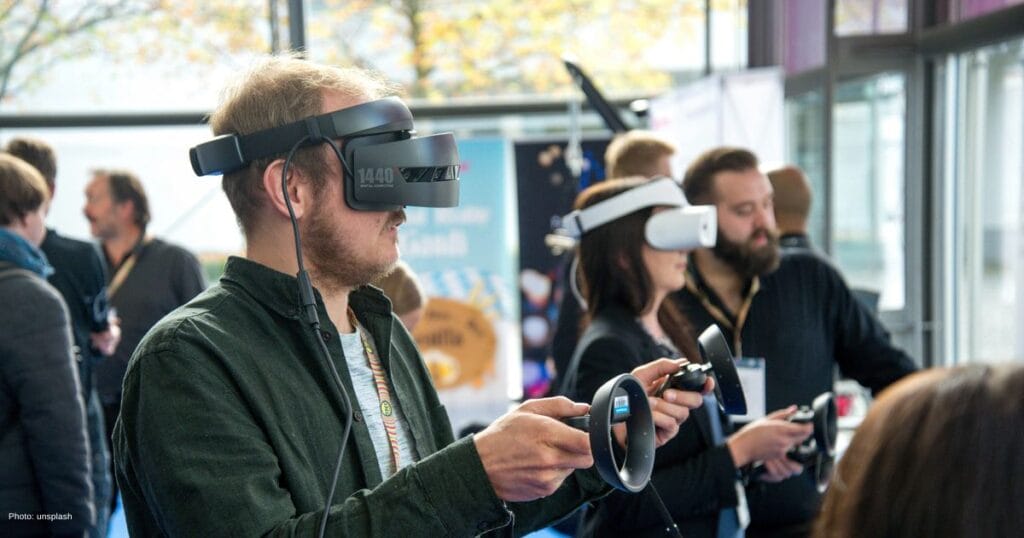
Play anywhere, anytime: the new rules of gaming in 2026
Next-level gaming in 2026 isn’t tied to one device anymore. It’s not just about consoles or PCs. So what changed?...
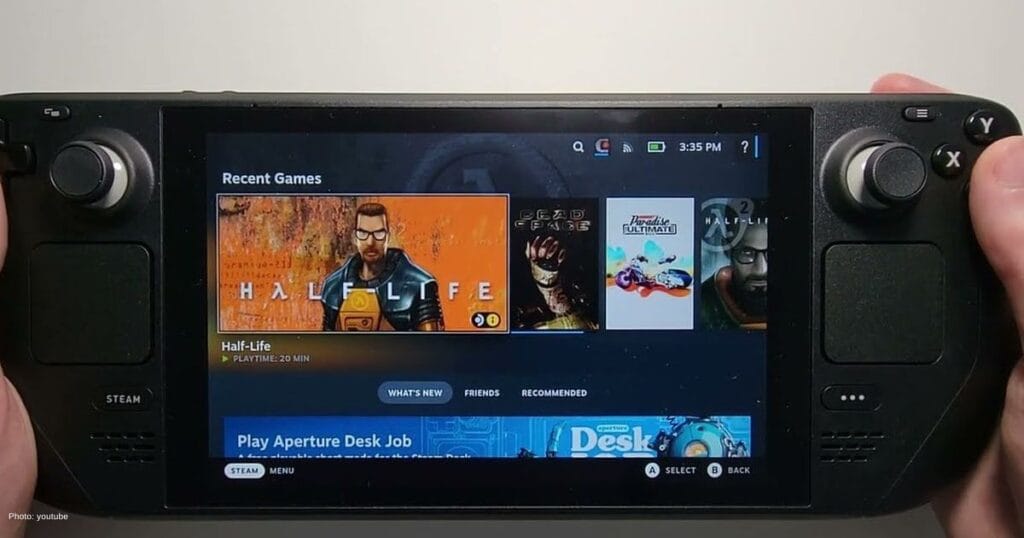
How Steam Deck’s desktop mode unlocks potent PC capabilities
Most people use the Steam Deck the same way they would use a console. You turn it on, pick a...
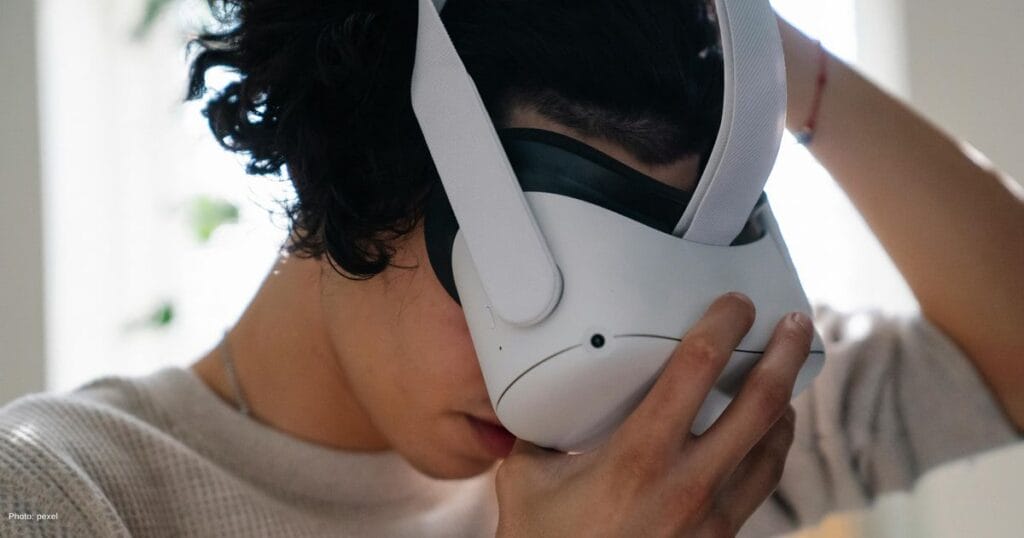
GeForce NOW update brings 90 FPS VR, GOG library sync and day-one game launches
Game Developers Conference served as the stage for major GeForce NOW upgrades, as NVIDIA introduced performance improvements, expanded account integration,...