
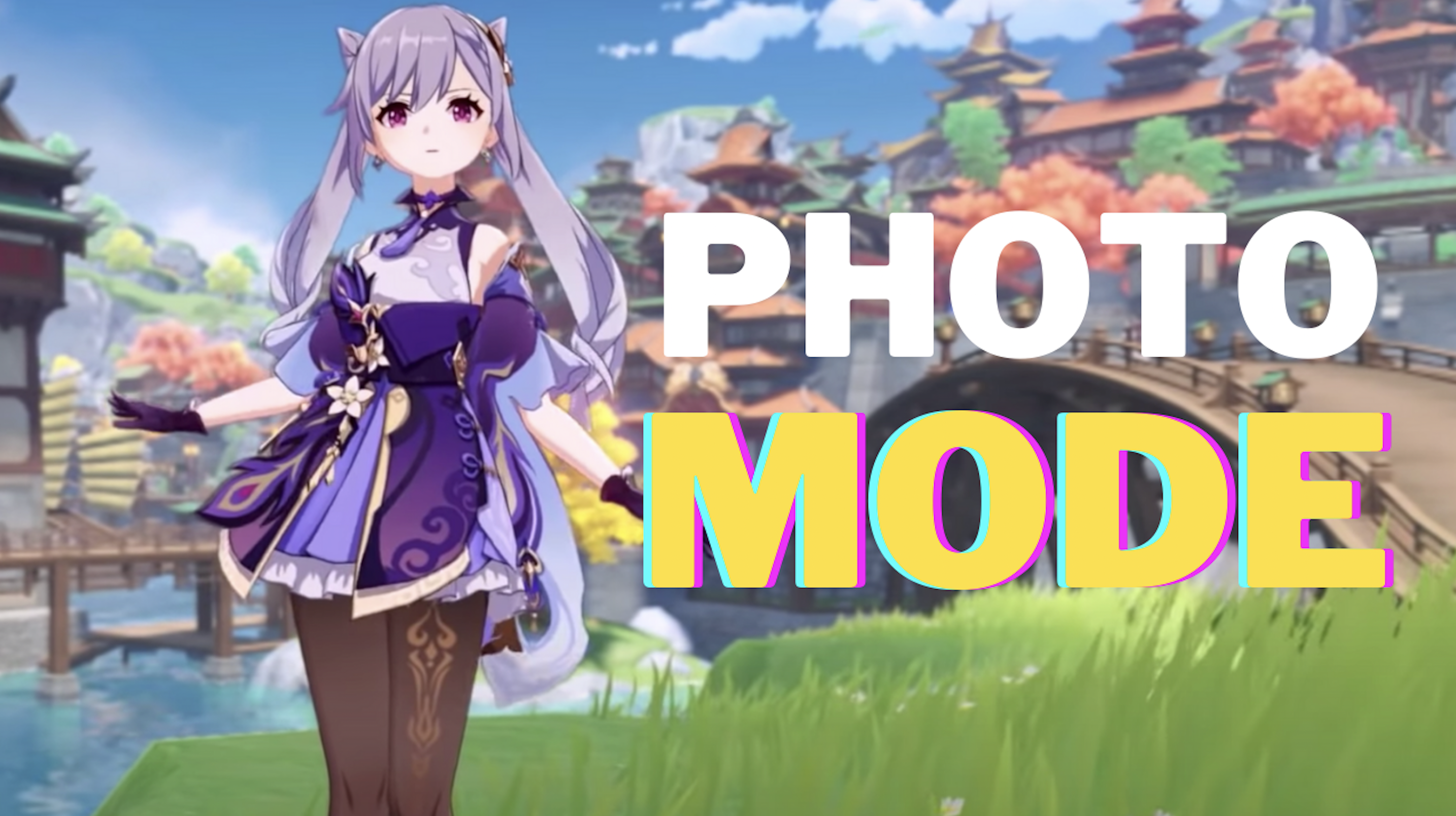
Genshin Impact Photo Mode – How To Take A Photo Function
Genshin Impact, like many gorgeous games, have a built-in photo mode. You can use the photo mode to travel the world and capture some of your favorite moments. It can also be used to complete a few quests. If you were unaware, here’s how to take a photo in Genshin Impact with its photo mode.
How To Take A Photo Function in Genshin Impact
- Open up the main screen.
- You’ll see a camera icon. Highlight it.
- There you’ll see “Take Photo”.
- Select it and you’ll enter Photo Mode.
Using the photo mode, you can control a wide variety of options. You can also make your character pose, use emotes, and many more.
In case you’re having trouble finding the photo mode, let us know in the comments below and we’ll try to help you out. For more Genshin Impact guides, tips and tricks, stay with us, here at Spiel Times.
Until next time, Stay Safe, Respect All Lives, and Happy Gaming!

Pingal
A gaming aficionado and an avid Dota 2 player, Pingal is the owner of Spiel Times and the main coordinator of the News section.
View all articlesRelated Articles
View All
Dell Gaming Laptops: The Smart Choice. Why the G-Series is the Wise Gamer’s Secret Weapon
We are living in a golden age of PC gaming. Games are more beautiful, more complex, and more immersive than...

Sims Rival InZOI Announces Official Release Date After Unexpected Delay
The highly anticipated life simulation game InZOI has officially announced its Early Access release date after an unexpected delay, much...
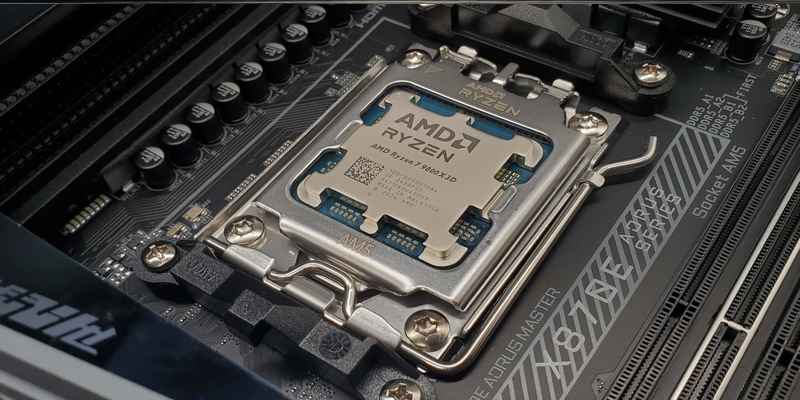
AMD Ryzen 7 9800X3D Sells Out as Scalpers Surge Prices to $999
The AMD Ryzen 7 9800X3D, the latest in AMD’s lineup of high-performance gaming CPUs, has sparked a frenzy among enthusiasts...