
Ubisoft: How to Preload XDefiant on PC, PlayStation 5, and Xbox Series X/S
Having trouble preloading XDefiant? Here’s a quick guide to get you started on these three major platforms: PC, PlayStation 5, and Xbox Series X/S.
Preloading on PC (Ubisoft Connect)
- Open Ubisoft Connect app and log in to your account.
- Find XDefiant in the library (try “search” or “Coming Soon” section).
- Click on XDefiant to open the game page.
- Click “Preload Now”.
- Choose your language (if prompted) and installation location.
- The preload will begin.
- You may also click THIS. You will be prompted to install Ubisoft Connect App, register an account using your gaming E-mail, and proceed to Step 2.
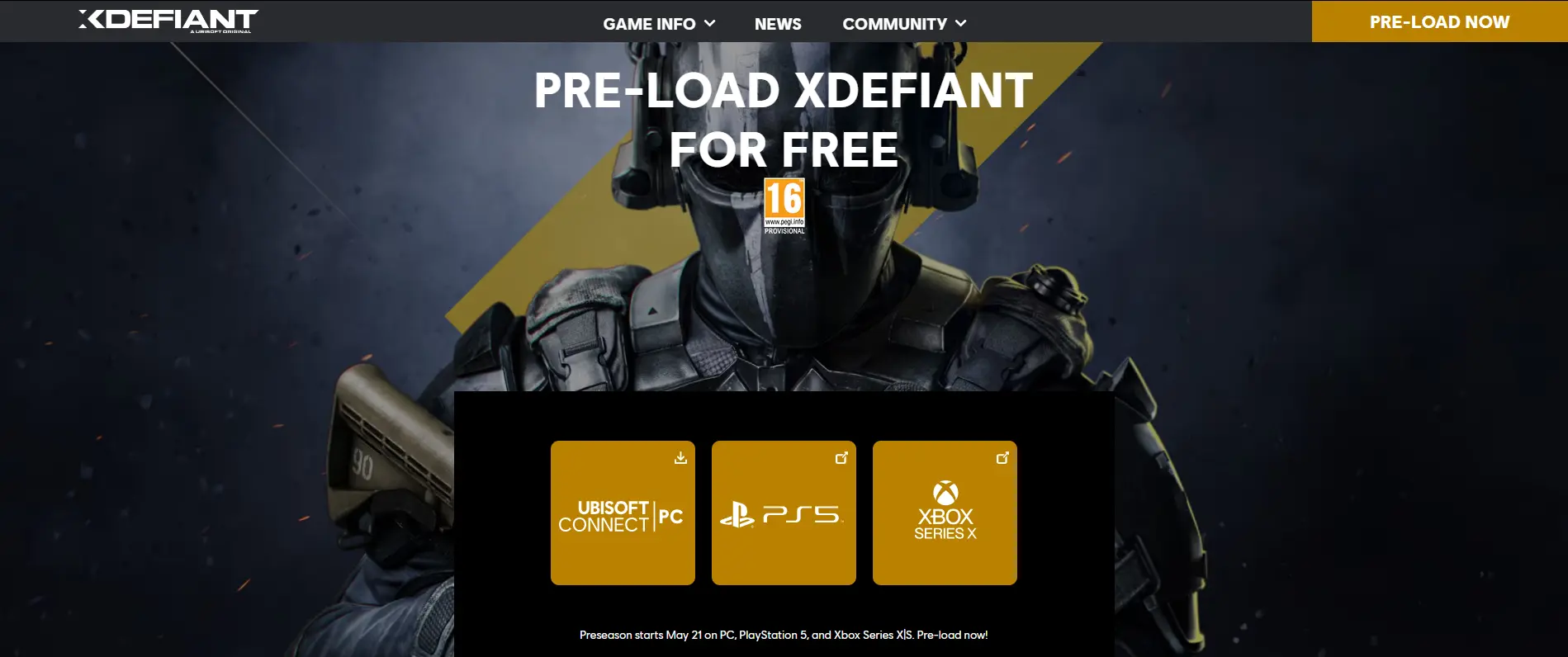
Preloading on PlayStation 5
- Go to the PlayStation Store.
- Press triangle to open the search bar and look for “XDefiant”.
- If there’s no direct preload option, go to your wishlist (if you already added the game) and find XDefiant.
- Press the three dots next to XDefiant and select “Preload”.
Preloading on Xbox Series X/S (Microsoft Store)
The steps for Xbox Series X/S should be similar to PlayStation. Here’s a general guide:
- Go to the Microsoft Store.
- Search “XDefiant”.
- Look for a preload option or three dots that might reveal the button for ‘preload’.
- If you find the preload option, follow the on-screen instructions.
Note: Since the Xbox preloading process might differ slightly, look for additional prompts within the Microsoft Store.
Once the preload is complete on your chosen platform, you’ll be ready to play XDefiant as soon as it launches.

Jhimlerry Lacap
Loves to play DotA, LoL, and ML. Finished almost all FF series and enjoys playing MMORPG. Jhimlerry is also a former vocalist/bassist of a local band in the Philippines.
View all articlesRelated Articles
View All
Sega quietly ends $882 million Super Game as live-service strategy unravels
Sega’s decision to walk away from its ambitious “Super Game” initiative says a lot about where the gaming industry stands...

GTA 6 pre-order speculation intensifies amid pricing rumours and official silence
Fans of Rockstar Games are eagerly awaiting the release of Grand Theft Auto VI (GTA 6). Online communities, social media...

The unlikely CEO behind GTA VI has a game plan of his own
Strauss Zelnick is not the obvious face of Grand Theft Auto VI, and that is what makes him fascinating. The...