
Facing FPS Drops After CSGO Shattered Web Update? Here is How To Fix It
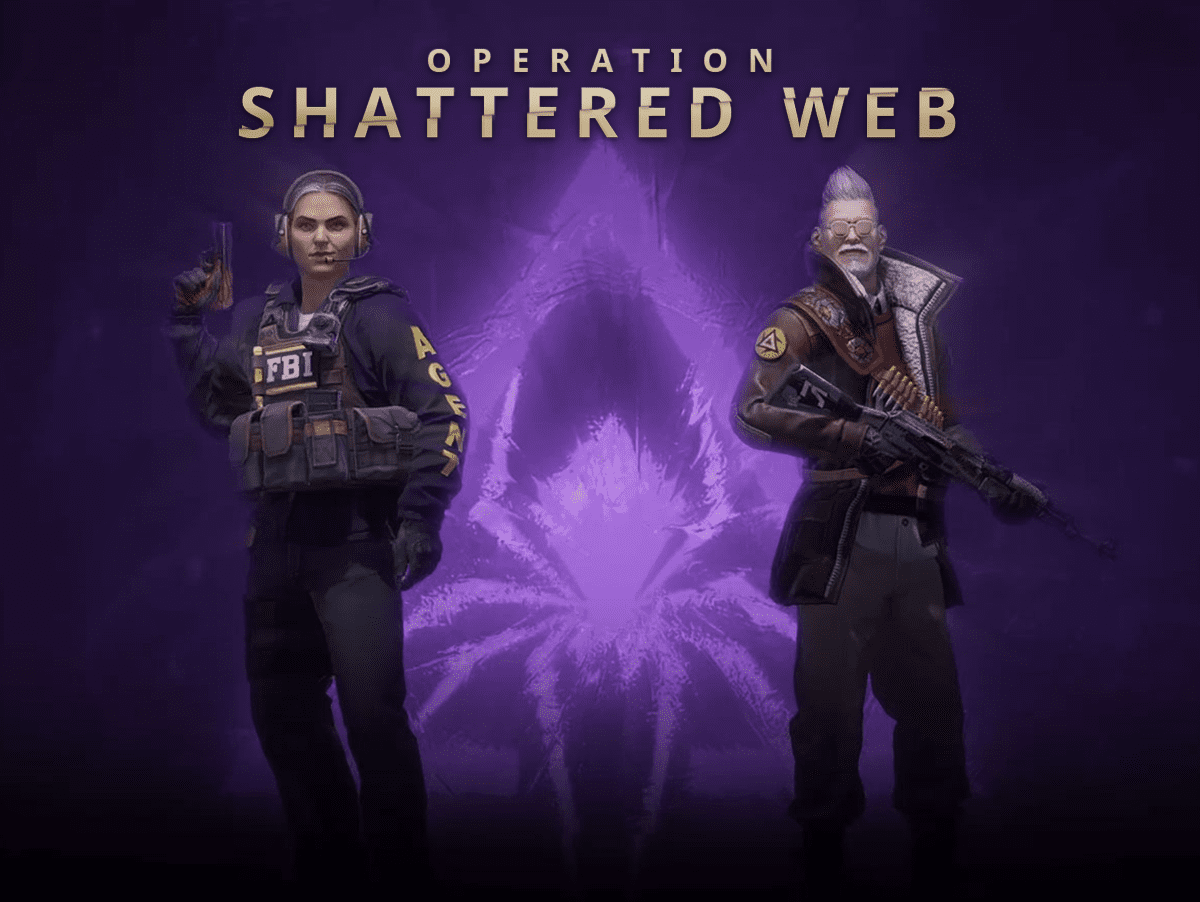
Valve finally released the latest operation for CSGO just a few days ago after a gap of almost two years. While the update brought a lot of exciting features, many players are facing considerable FPS Drops in the game. If you are one of them, here is an easy fix.
General FPS Drop Issues
[FIX] :
– Close your game.
– Go To Panorama Folder then Video Folder.
– Except for the “Intro” and “Trailer”, delete everything else.
– Run CS:GO.
Note -: This is neither modifying the game’s files by any means, nor are we touching the .exe and .dll files, so you wouldn’t be getting a VAC ban for this, and it is completely safe.
Sudden Drop of FPS, old issue
Sometimes while playing on community servers /matchmaking, your FPS suddenly drops considerably.
There is an easy workaround for this, you just need to type the following in console and you can bind a key for it as well.
snd_debug_sleep
Credits to Mayukh Kundu for the fixes.

Md Armughanuddin
An avid journalist, an ardent programmer, and a forever rookie gamer, Armu has a knack in finding news at the earliest.
View all articles
Dell Gaming Laptops: The Smart Choice. Why the G-Series is the Wise Gamer’s Secret Weapon
We are living in a golden age of PC gaming. Games are more beautiful, more complex, and more immersive than...

Sims Rival InZOI Announces Official Release Date After Unexpected Delay
The highly anticipated life simulation game InZOI has officially announced its Early Access release date after an unexpected delay, much...
AMD Ryzen 7 9800X3D Sells Out as Scalpers Surge Prices to $999
The AMD Ryzen 7 9800X3D, the latest in AMD’s lineup of high-performance gaming CPUs, has sparked a frenzy among enthusiasts...