
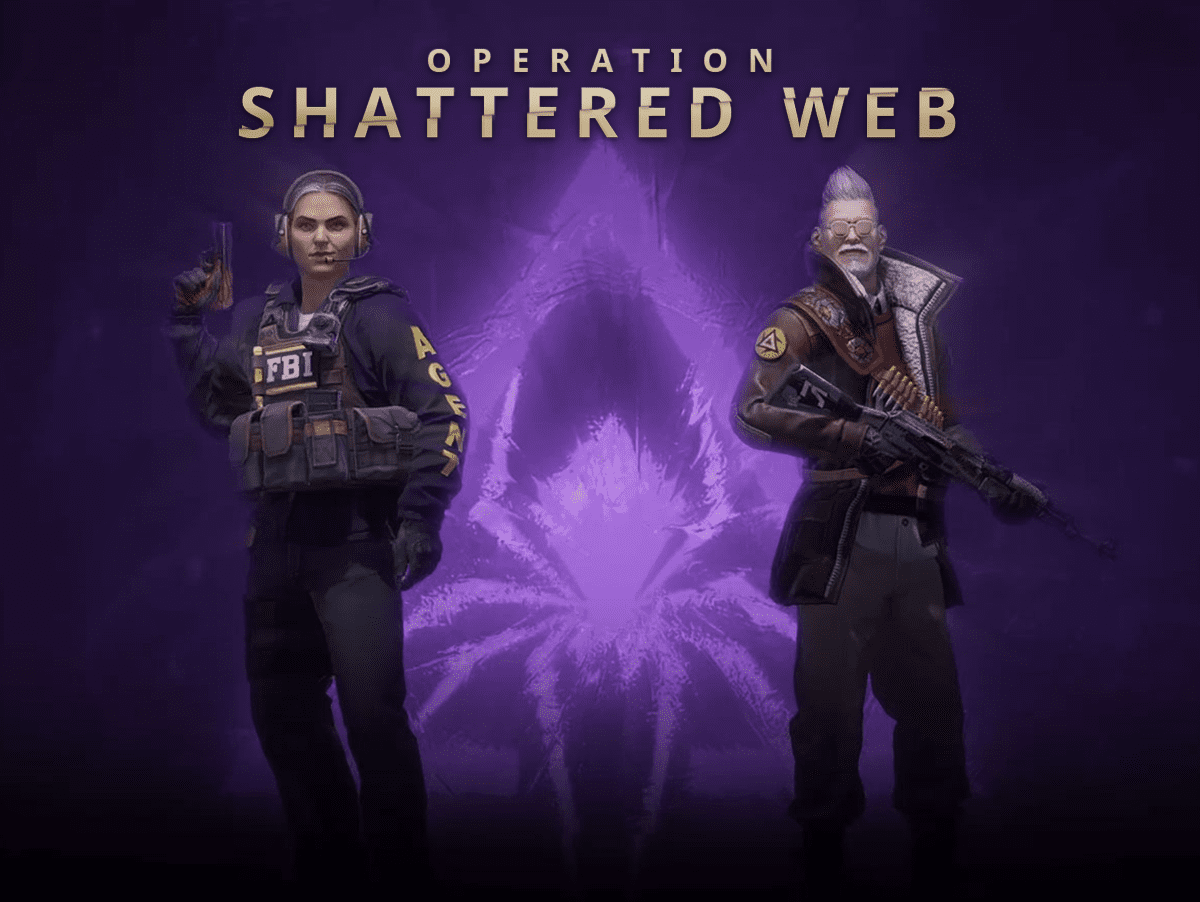
Facing FPS Drops After CSGO Shattered Web Update? Here is How To Fix It
Valve finally released the latest operation for CSGO just a few days ago after a gap of almost two years. While the update brought a lot of exciting features, many players are facing considerable FPS Drops in the game. If you are one of them, here is an easy fix.
General FPS Drop Issues
[FIX] :
– Close your game.
– Go To Panorama Folder then Video Folder.
– Except for the “Intro” and “Trailer”, delete everything else.
– Run CS:GO.
Note -: This is neither modifying the game’s files by any means, nor are we touching the .exe and .dll files, so you wouldn’t be getting a VAC ban for this, and it is completely safe.
Sudden Drop of FPS, old issue
Sometimes while playing on community servers /matchmaking, your FPS suddenly drops considerably.
There is an easy workaround for this, you just need to type the following in console and you can bind a key for it as well.
snd_debug_sleep
Credits to Mayukh Kundu for the fixes.

Md Armughanuddin
An avid journalist, an ardent programmer, and a forever rookie gamer, Armu has a knack in finding news at the earliest.
View all articlesRelated Articles
View All
Tokyo Game Show Marks 30 Years of Gaming Milestones, Launches, and Legacy
Tokyo Game Show (TGS) 2026 celebrates three decades of shaping gaming culture, bringing together players, creators, and the global gaming...
Xbox Responds to Game Pass 2027 Leak as Day-One Rumors Spread
No doubt, Xbox Game Pass could look very different next year, but one of the biggest rumored changes is already...

Xbox Revenue Falls 10% as Its New CEO Leads With Unflinching Honesty
Xbox revenue falls 10% year over year, putting CEO Asha Sharma’s turnaround strategy under scrutiny. Microsoft’s fiscal fourth quarter ended...