
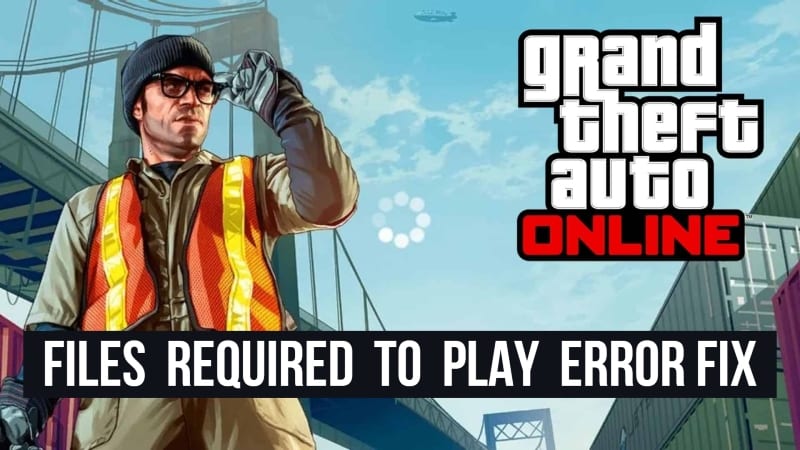
Files Required To Play Error Fix – GTA Online
If you randomly received the error “Files required to play GTA Online could not be downloaded from the Rockstar Games Service,” you’re probably confused, unsure how to proceed. Fortunately, there is a potential quick fix to this problem. Before we go any further, it’s worth noting that Rockstar Games is yet to give its official solution.
How To Fix
-
Internet Setting
- Go to your console’s Settings.
- Select Network.
- Select Change Network.
- Proceed with your standard connection steps.
If this fix appears to be working and GTA Online loads properly, your WiFi modem may be the issue. Try doing a Reset or a Firmware Update.
-
DNS Setting
- Primary: 84.200.69.80
- Secondary: 84.200.70.40
- FOR Xbox
- Go to Settings.
- Select Network
- Select Advanced Settings
- Go to DNS Settings.
- Then, go to Manual and enter the data above.
- FOR PlayStation
- Go to Settings.
- Select Network.
- Select Setup Internet Connection
- Go to Choose Connection Type.
- Select Custom Setup
- Click Automatic IP Address Settings.
- Choose Do Not Specify and Select Manual.
- Enter the data mentioned above.
What is this error?
The ‘files required to play’ error in GTA Online could probably be due to Rockstar Games’ system repairs as per reports. The developers, on the other hand, have yet to notify users if server maintenance is taking place at this time.
If the error occurs quite often, it could be due to a problem with your network connection. Rockstar Games has not stated whether or not the problem is caused by server issues. We will update this story if the developers issue a statement regarding the error.
If you have any questions regarding GTA Online, feel free to ask in the comments below. For more content related to GTA Online, stay with us, here at Spiel Times.
Make sure you subscribe to our push-notifications and never miss an update from the world of video games. Until next time, Stay Safe, Wear A Mask, and Happy Gaming!

Marcus Kade
Marcus Kade is Managing Editor at Spiel Times, covering breaking gaming news with a focus on the industry's business side. When not writing, he's probably losing a co-op game to his partner.
View all articlesRelated Articles
View All
BioWare’s 31-Year Journey Ends as EA Cancels the Next Mass Effect Game
BioWare’s closure marks the end of a studio that helped shape modern role-playing games. On October 21, 2026, Electronic Arts...
Squadron 42 Reveals New Gameplay and PC Requirements Ahead of 2027 Launch
After more than a decade of development, one of the most ambitious space adventures is moving closer to release. Cloud...

GTA 6 on Switch 2? Nintendo Says It’s Rockstar and Take-Two’s Call
Grand Theft Auto 6 is heading toward its November 19 launch, yet one question keeps coming up: could Vice City...