
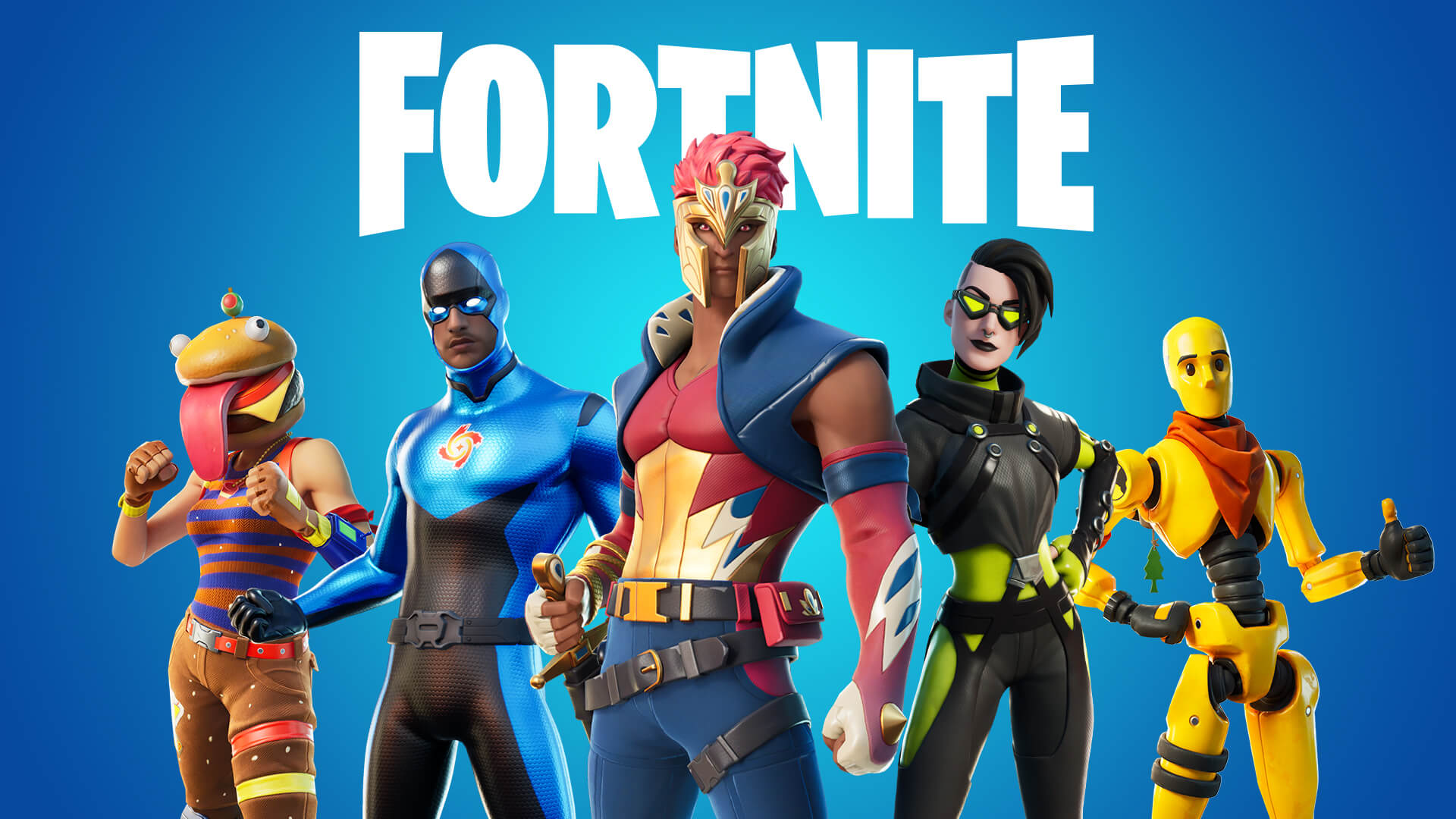
Fortnite: Crashing In Xbox Series X, How To Fix
Fortnite, a popular online game by Epic Games, was released in 2017. It’s now playable on the Xbox 360. One of the most popular game types is Battle Royale, in which up to 100 players are thrown onto an island and compete to be the last guy standing. You must build structures and scavenge for weapons in order to win the game.
Crashing In Xbox Series X
A game fault that can be fixed by updating it, a broken cached file, or lost stored data can all cause Fortnite to crash on your Xbox Series X, and all of them need substantial debugging.
When playing this game, one of the drawbacks you may have is that it crashes. This crash can occur either before or during the game, making for a miserable experience. Here’s what you’ll need to do to get everything back on track.
Before you do these steps you must:
- Check to see if your Xbox is up to current on software.
- Make sure you’re running the most recent Fortnite version.
Fix 1 |
|
| Restart Fortnite |
|
| Steps | |
| Restart the game |
|
Fix 2 |
|
| Restart Xbox Series X |
|
| Steps | |
| Restart Console |
|
Fix 3 |
|
| Use Different Profile |
|
| Steps | |
| Profile Check |
|
Fix 4 |
|
| Delete local save file |
|
| Steps | |
| Delete file |
|
Fix 5 |
|
| Reinstall Fortnite |
|
OTHER NEWS: Fortnite x NBA@75 – Vote to Emote!
If you have any questions regarding Fortnite, feel free to ask in the comments below. For more content, stay with us, here at Spiel Times.
Make sure you subscribe to our push-notifications and never miss an update from the world of video games, cinema, and sports. You can also follow us on Twitter @spieltimes for the latest PS5 restock and drop. Until next time, Stay Safe and Happy Gaming!
Leave a Comment

Jhimlerry Lacap
Loves to play DotA, LoL, and ML. Finished almost all FF series and enjoys playing MMORPG. Jhimlerry is also a former vocalist/bassist of a local band in the Philippines.
View all articlesRelated Articles
View All
No Verification Casino UK 2026: Best No KYC Casino Sites
No verification casinos offer UK players quick access to online gambling and casino games without extensive KYC checks. Experience instant...

Casinos not on GamStop UK: Best Non GamStop Casinos 2026
Casinos not on GamStop are popular among UK players because they offer access to games despite GamStop restrictions and boast...
Nintendo faces fallout from unprecedented game leaks
Inside Nintendo, the mood shifted sharply after reports of a massive leak appeared online. What began as speculation soon turned...
Hi, what if I tried all of these steps and I am still getting error messages at login
Hey, Samantha! Can you try clearing your Fortnite cache to see if that will fix the error? Let us know if this works, thanks!
I’m not even getting an error message. I just get the loading screen with it saying loading, then boots me off the Xbox to the input screen the the counsel is powered off but it’s still on 🙁
I have the exact same thing
I’m sorry it doesn’t even say “loading”.
Fix the game already. People are still not being able to play so clearly there’s a issue
Having same issue won’t let us long in😭
Please fix the game . Can’t log in ……..
It’s been ridiculous for a week now. Let me in once in 200 tries 🙄
for me it worked on the 4th fix
Did all of them and still can’t get fortnite to load. Works perfectly fine with other games though. Please anyone help me 😂