
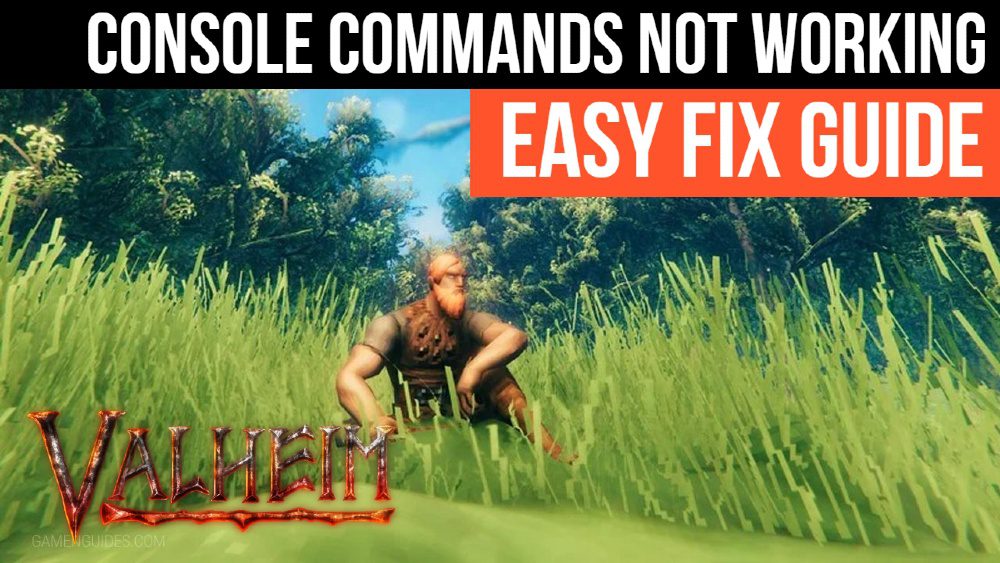
Valheim Console Commands Not Working – How To Fix Easy Guide
After the last patch, the F5 console commands in Valheim are no longer functional for some, and players are unsure how to reactivate them. It turns out that the developers have disabled console commands by default, so you’ll have to go through a process to re-enable them. Another issue is that the cheat command has been changed.
How to Fix / Re-enable Console Commands
After installing the latest patch, you must follow a few steps to enable the f5 console command in Valheim. It’s not that the Valheim console commands don’t work; it’s just that the developers have changed how the system works.
In the most recent patch notes, they’ve detailed everything. They’ve effectively disabled the console by default, so you’ll need to re-enable it. In addition, the “cheat” command has been modified. If you missed the note, don’t worry! It’s not too late to catch up!
- Right-click on Valheim in your Steam library.
- Click Properties.
- Select the General tab.
- Click the text box under Launch Options.
- In that box, type “-console” (without the quotes).
- Launch the game.
- Press F5 to bring up the console commands again.
- Type “devcommands” (without the quotes).
- Previously, it was imacheater, which is kind of funny!
In addition, the developers have included a cheater warning message. It’s not that you’ll be punished for cheating; rather, your experience will be harmed!
If issues persist, the only thing we can do is wait for the Valheim console commands code not working issue to be resolved by the developers (only if the problem occurs from their side).
If you have any questions regarding Valheim, feel free to ask in the comments below. For more content related to Valheim, stay with us, here at Spiel Times.
Make sure you subscribe to our push-notifications and never miss an update from the world of video games. Until next time, Stay Safe, Wear A Mask, and Happy Gaming!

JC Paredes
Since March 2021, I've worn two hats at Spiel Times: a writer and a Managing Editor. In my writing role, I've earned recognition from Wikipedia and Nev Schulman (Catfish TV Show host) for my insightful analysis and engaging narrative style. I'm passionate about all things gaming, with a keen eye for detail and a knack for uncovering hidden secrets within games. My gaming journey began at a young age, captivated by titles like Resident Evil and Tomb Raider. Today, I enjoy exploring open-world RPGs and MMORPGs, consumed by their lore and crafting theories about their narratives. I'm also drawn to the suspenseful atmosphere of horror games and the intricate narratives of crime-themed titles, bringing a unique perspective to my writing. Beyond gaming, I have a fascination with anything unexplained and chilling, a passion that often spills over into my exploration of horror games. When I'm not engrossed in a virtual world, you can find me curled up and spending time with my adorable doggy sidekick, Teemo. As Managing Editor, I'm committed to fostering a collaborative and supportive environment for our writing team. I communicate openly with my team members, addressing any content-related issues and providing guidance to help them excel.
View all articles
Dell Gaming Laptops: The Smart Choice. Why the G-Series is the Wise Gamer’s Secret Weapon
We are living in a golden age of PC gaming. Games are more beautiful, more complex, and more immersive than...

Sims Rival InZOI Announces Official Release Date After Unexpected Delay
The highly anticipated life simulation game InZOI has officially announced its Early Access release date after an unexpected delay, much...
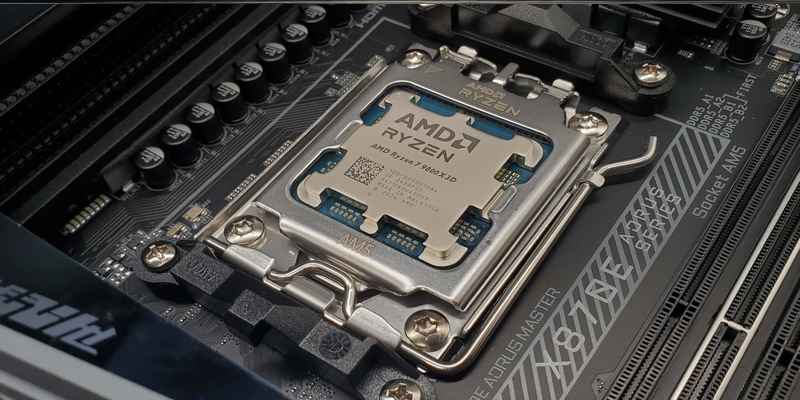
AMD Ryzen 7 9800X3D Sells Out as Scalpers Surge Prices to $999
The AMD Ryzen 7 9800X3D, the latest in AMD’s lineup of high-performance gaming CPUs, has sparked a frenzy among enthusiasts...