
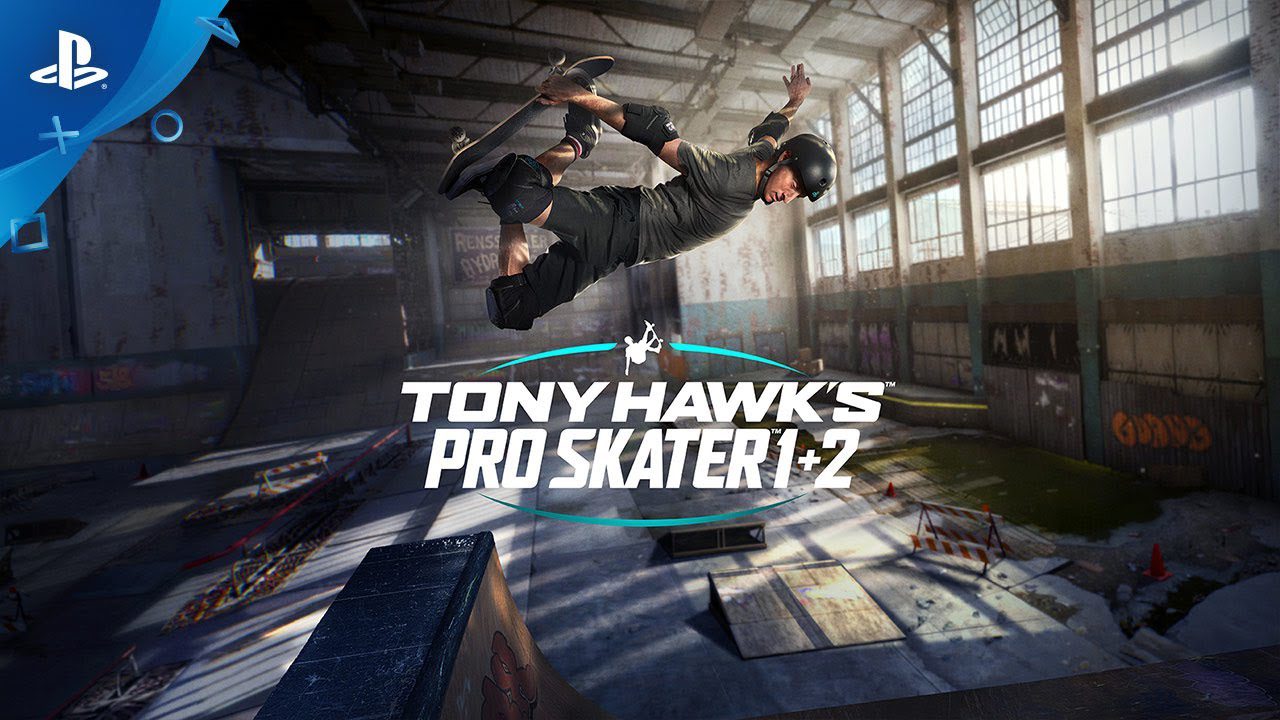
How to create a skater Tony Hawk 1-2
Tony Hawk 1-2 was released just a few days ago and the game is already pretty popular. Here is how to create a skater in Tony Hawk 1-2
- Press the button next to your current skater’s name on the main screen. Please note- In PlayStation 4 version, it’s the triangle button.
- Pick a new character or use the blank custom character slot to make your own.
- Once a slot is chosen, you have to enter
– Character’s name
– Hometown
– Skater Style Choice
– Stance
– Push Style - It’s important to know that once you set these choices, they become locked and cannot be changed.
- Now comes the Skater Screen, where you will customize your character.
Once you complete various challenges you’ll be able to unlock more options although the options provided at the start are pretty great too!
- Begin to customize your skater with
Board: helps you change the grip tape, design, and wheels of your ride.
Gear: helps you change hat, sneakers, etc.
Appearance: helps you change the character’s looks with hair, tattoos, etc. - Further, from the same Menu now you can also change the tricks you want your character to have and perform. For example: How they jump or how quickly they actually do these tricks.
- Finally, as you go through the different levels of the game, you’ll be able to pick up stat points that will further improve your character.

Related Articles
View All
Anthropic tightens Claude’s rules to stop AI game cloning, but developers face new challenges
AI is making video game creation faster and easier, but it’s also raising copyright concerns. While developers welcome the convenience,...

Indian superstar Mahesh Babu backs new action-adventure game targeting 2028
India’s gaming industry is attracting fresh attention as more developers look beyond mobile entertainment. While smartphones have traditionally dominated the...
BioWare’s 31-Year Journey Ends as EA Cancels the Next Mass Effect Game
BioWare’s closure marks the end of a studio that helped shape modern role-playing games. On October 21, 2026, Electronic Arts...