
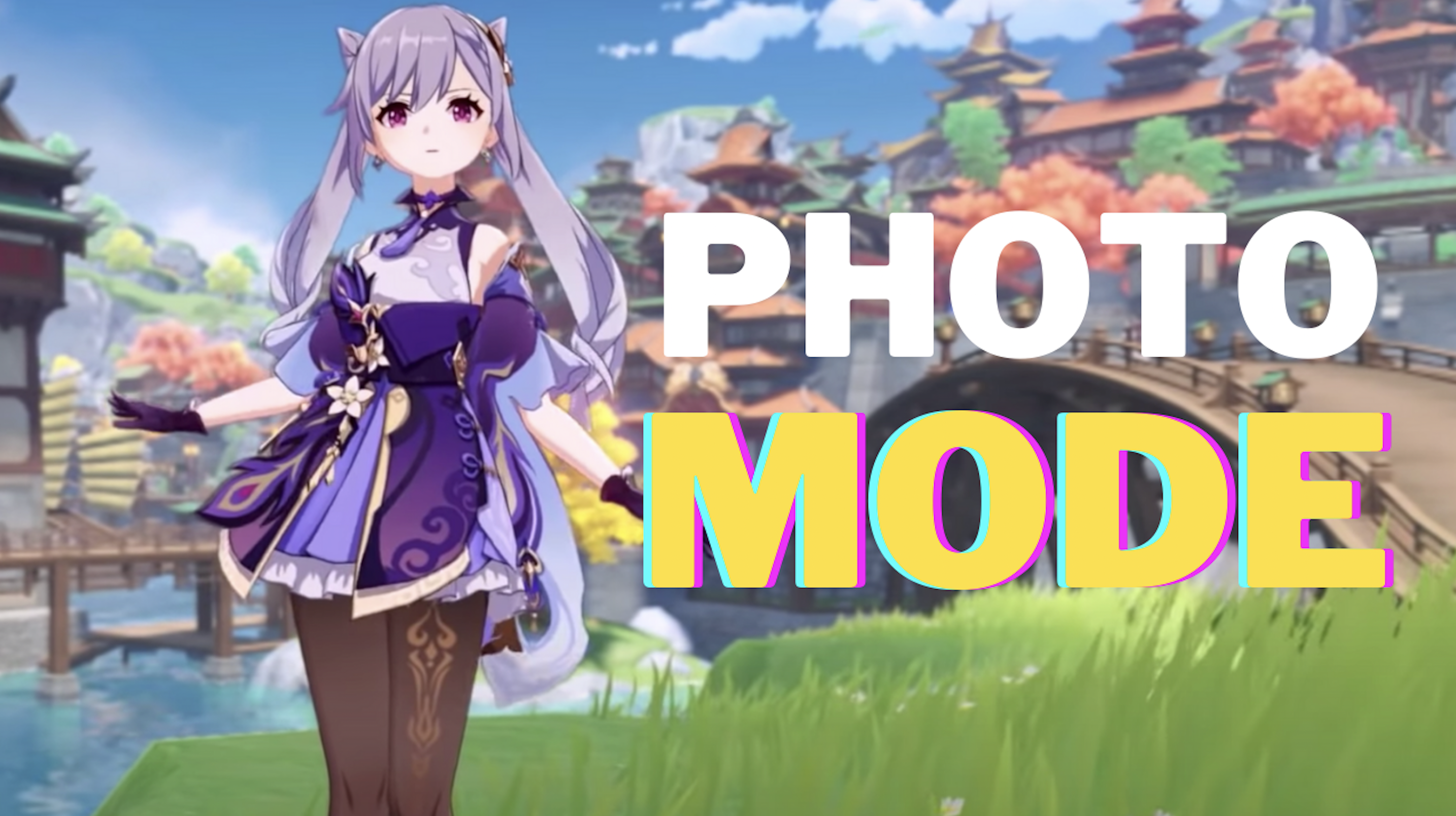
Genshin Impact Photo Mode – How To Take A Photo Function
Genshin Impact, like many gorgeous games, have a built-in photo mode. You can use the photo mode to travel the world and capture some of your favorite moments. It can also be used to complete a few quests. If you were unaware, here’s how to take a photo in Genshin Impact with its photo mode.
How To Take A Photo Function in Genshin Impact
- Open up the main screen.
- You’ll see a camera icon. Highlight it.
- There you’ll see “Take Photo”.
- Select it and you’ll enter Photo Mode.
Using the photo mode, you can control a wide variety of options. You can also make your character pose, use emotes, and many more.
In case you’re having trouble finding the photo mode, let us know in the comments below and we’ll try to help you out. For more Genshin Impact guides, tips and tricks, stay with us, here at Spiel Times.
Until next time, Stay Safe, Respect All Lives, and Happy Gaming!

Pingal
A gaming aficionado and an avid Dota 2 player, Pingal is the owner of Spiel Times and the main coordinator of the News section.
View all articlesRelated Articles
View All
BioWare’s 31-Year Journey Ends as EA Cancels the Next Mass Effect Game
BioWare’s closure marks the end of a studio that helped shape modern role-playing games. On October 21, 2026, Electronic Arts...
Squadron 42 Reveals New Gameplay and PC Requirements Ahead of 2027 Launch
After more than a decade of development, one of the most ambitious space adventures is moving closer to release. Cloud...

GTA 6 on Switch 2? Nintendo Says It’s Rockstar and Take-Two’s Call
Grand Theft Auto 6 is heading toward its November 19 launch, yet one question keeps coming up: could Vice City...