
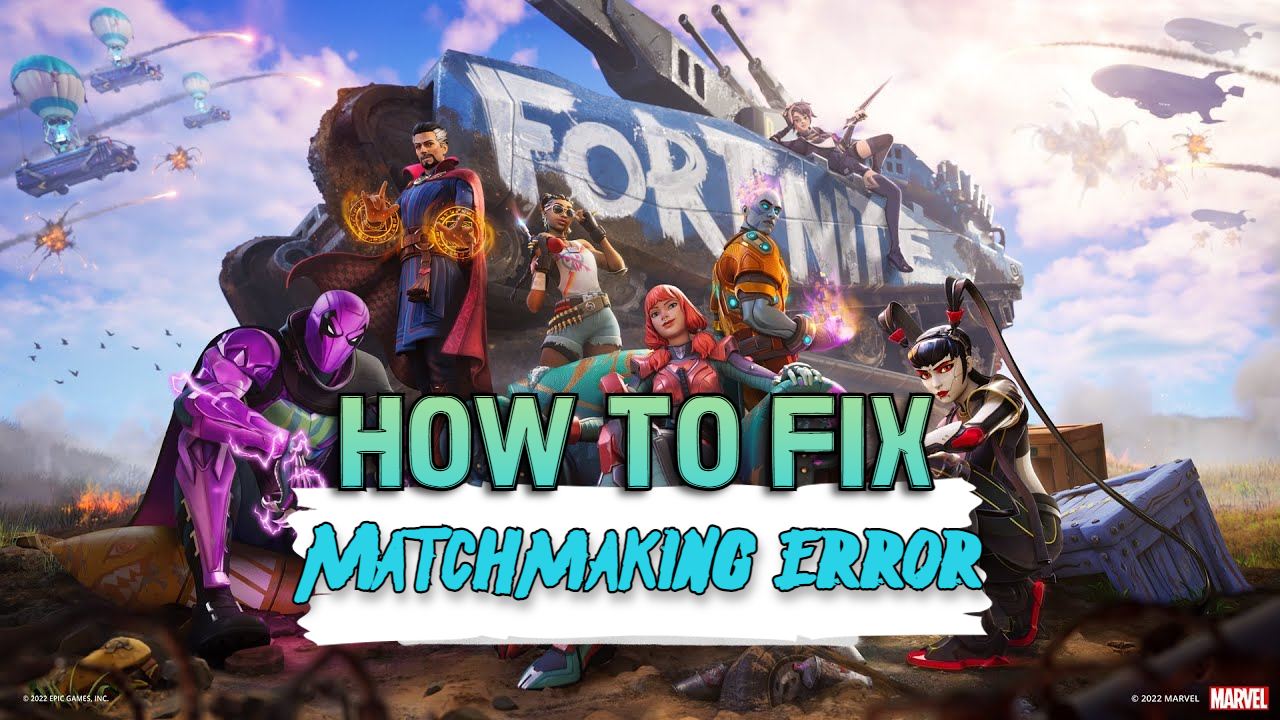
Fortnite: Matchmaking Error – How to Fix
The matchmaking error that is happening today – Tuesday, May 3, 2022, GMT is due to Fortnite disabling matchmaking in preparation for the next Update.
If you’re still having issues with Matchmaking before or after the forthcoming Update, keep reading.
We're beginning to disable matchmaking in preparation for the v20.30 update, with server downtime beginning soon.
We’ll let you all know when downtime has ended! pic.twitter.com/MAN90qNllW
— Fortnite Status (@FortniteStatus) May 3, 2022
Matchmaking Error – Fix
- The Fortnite matchmaking problem has been causing users to miss out on their favorite battle royale.
- We’ve put together this article to show you how to fix the Fortnite matchmaking error and discuss some of the possible causes.
FIX #1
- Restart the game.
FIX #2
- Check the game’s server status. If a server is unavailable, a matchmaking error may occur. Wait until normal service has been restored.
FIX #3
- Check the accuracy of your date and time settings. Simply adjust your time and calendar to automatic settings.
FIX #4
- Changing your matchmaking zone.
- If your local server is having problems, this will work.
- Select Settings from the menu bar.
- Change your matchmaking region by selecting the gear icon.
OTHER NEWS: Fortnite: Update 2022 – Servers Not Responding, EASY FIX
If you have any questions regarding Fortnite’s “Matchmaking” Error, feel free to ask in the comments below. For more content, stay with us, here at Spiel Times.
Make sure you subscribe to our push-notifications and never miss an update from the world of video games, cinema, and sports. You can also follow us on Twitter @spieltimes for the latest PS5 restock and drop. Until next time, Stay Safe and Happy Gaming!
Leave a Comment

Jhimlerry Lacap
Loves to play DotA, LoL, and ML. Finished almost all FF series and enjoys playing MMORPG. Jhimlerry is also a former vocalist/bassist of a local band in the Philippines.
View all articlesRelated Articles
View All
Tokyo Game Show Marks 30 Years of Gaming Milestones, Launches, and Legacy
Tokyo Game Show (TGS) 2026 celebrates three decades of shaping gaming culture, bringing together players, creators, and the global gaming...
Xbox Responds to Game Pass 2027 Leak as Day-One Rumors Spread
No doubt, Xbox Game Pass could look very different next year, but one of the biggest rumored changes is already...

Xbox Revenue Falls 10% as Its New CEO Leads With Unflinching Honesty
Xbox revenue falls 10% year over year, putting CEO Asha Sharma’s turnaround strategy under scrutiny. Microsoft’s fiscal fourth quarter ended...
Hi,
My name is Meir.
I wasted two weeks of trying to debug the matchmaking problem. I comunicated through email with 3 Epic support groups, sent all the debug files and videos, configured my desktop and routers again and again, changed the dns server, blocked the windows firewall based on the support team instructions, and only now you realized that it is a wide problem on your side?
Very frustrating!
What to do now?
How will I know if and when the issue isvresolved?
Meir