
STAR WARS Jedi: Survivor | Game Crashing Fix (PC)
Star Wars Jedi: Survivor™ is an epic action-adventure game that continues the story of Cal Kestis in the Star Wars universe. Developed by EA, this game takes players on a thrilling journey across the galaxy as they battle through challenging obstacles and face off against formidable foes. However, like any other game, players may encounter technical issues such as game crashes. In this article, we will provide you with a helpful guide on how to fix game crashes in Star Wars Jedi: Survivor™ on PC, so you can get back to enjoying this incredible game without any interruptions.
How to Fix Star Wars Jedi: Survivor Crashing Issues for PC
We have compiled a list of potential solutions that may alleviate the crashing issues you are experiencing in Star Wars Jedi: Survivor on your PC. However, we want to emphasize that these problems are likely to persist until the developers release a patch in the near future.

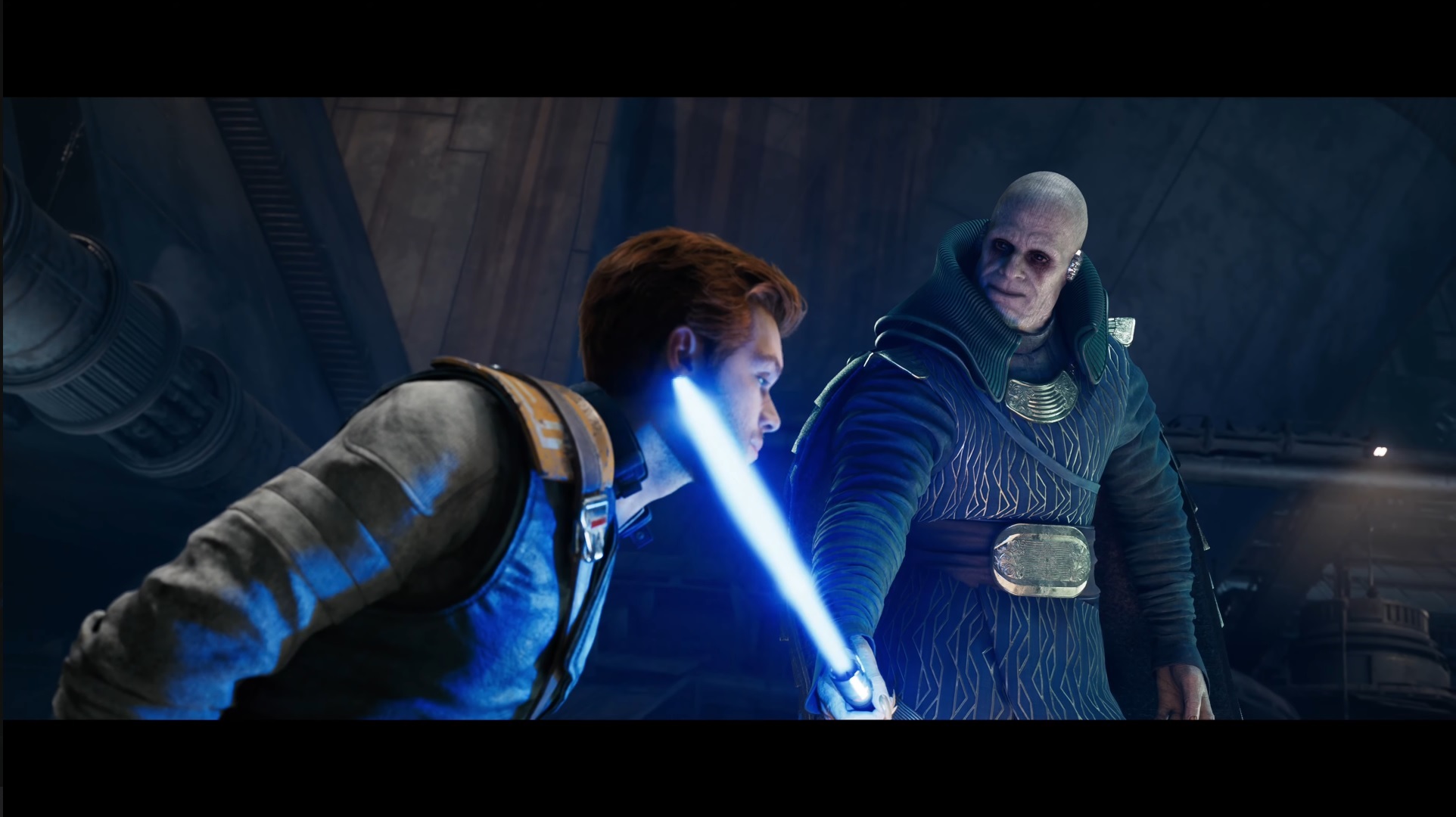
(Image via Electronic Arts)
Here are some things you can try:
- Launch Jedi Survivor as an Administrator.
- Close Steam by ending the task in Task Manager, then relaunch Steam and Jedi Survivor.
- Close the EA app by ending the task in Task Manager, then restart the app and try running Jedi Survivor again.
- Repair the EA application before attempting to run Jedi Survivor.
- Uninstall the EA application and then reinstall it. After that, make sure to restart your PC.
- Uninstall Jedi Survivor and then reinstall it. Again, restart your PC.
- Update your graphics card.
- Verify the game files for Jedi Survivor
- Right-click on the game in your Library
- Select ‘Properties,’ then ‘Local Files’
- ‘Verify Integrity of Game Files’
- Lower all settings in the game, including resolution, to reduce VRAM usage.
- Ensure that Jedi Survivor is updated.
While we hope that the suggested fixes will help alleviate the crashing problems you are experiencing in Star Wars Jedi: Survivor, it is important to keep in mind that the game is newly released and the developers will likely continue to release updates and bug fixes to improve the game. We encourage you to stay tuned for future updates and patches that may address the issue.
If you have any fixes you’d like to share, we’re all ears! Feel free to leave a comment below and tell us all about them.

Matteo Marcelino
Born with a passion for video games, I have been a fan of the medium for as long as I can remember. From playing Mortal Kombat and getting frustrated whenever I lost, to exploring the worlds of RPGs and action-adventure, video games have always been a source of my entertainment. Aside from gaming, I have also been passionate about photography since high school. Whether capturing the beauty of nature or the emotions of people, I find great satisfaction in capturing moments through the lens of their camera. In addition to these pursuits, I also found an unexpected love for writing. Initially never intending to pursue this skill, I discovered writing as a means of escape and creative expression. With a growing passion for storytelling, I now find myself diving deeper into the world of writing, exploring new genres and styles to share my unique perspective with the world.
View all articlesRelated Articles
View All
Xbox Revenue Falls 10% as Its New CEO Leads With Unflinching Honesty
Xbox revenue falls 10% year over year, putting CEO Asha Sharma’s turnaround strategy under scrutiny. Microsoft’s fiscal fourth quarter ended...
Major Gaming Shake-Up Could Put EA and Pokémon Go Under One Roof
Saudi Arabia’s growing influence over the global games business could be heading for another major shake-up. A possible merger involving...

Sega Reveals Why Its Ambitious Super Game Had to Be Canceled
Big ambitions often shape the future of gaming, but transforming a bold vision into a successful global product requires more...