
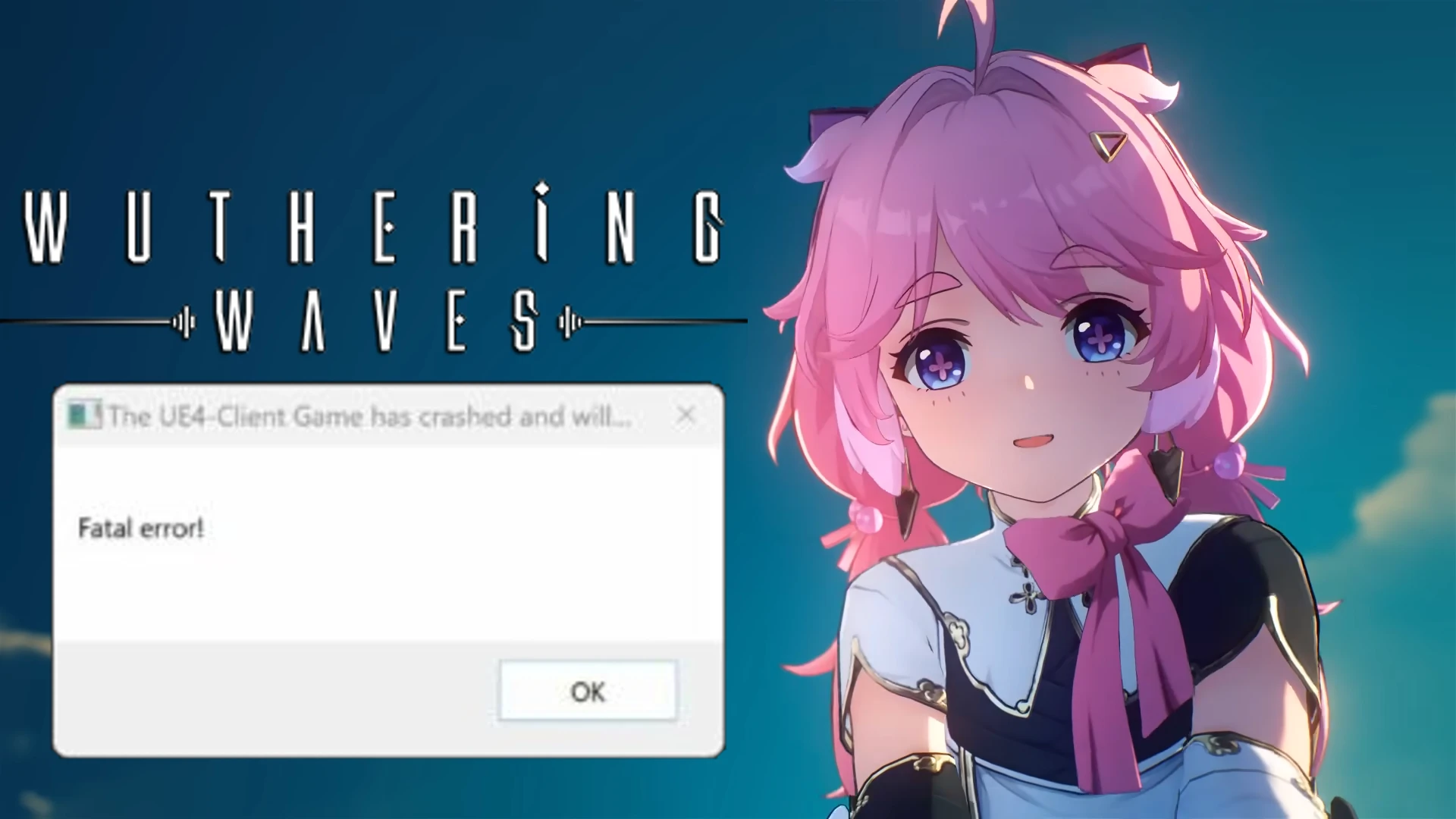
Wuthering Waves: “Fatal Error” Fixes (Updated)
Encountering “Fatal Error” while exploring the world of Wuthering Waves? This guide provides solutions to get your game possibly fixed.
Essential Fixes
- Update Software
- Graphics Drivers: Install the latest drivers from Nvidia or AMD for your graphics card. Outdated drivers can cause graphical glitches that might display “Fatal Error.”
- Visual C++ Redistributables: Check if you have the most recent versions of both the x86 and x64 versions from Microsoft.
- Windows Updates: Make sure you have the latest Windows updates.
- Verify Game File Integrity
- Close your game by opening Task Bar> Wuthering Waves> End Task.
- Open Epic Games Launcher> Settings> Repair.
- Disable Overclocking: Temporarily disable any CPU or GPU overclocks.
- Conflicting Software (last resort): Try temporarily disabling antivirus or other background programs.
- Reinstall the Game (final measure): If all else fails, reinstall and delete old files.
Other Fixes for Wuthering Waves Fatal Error (Updated)
- This might work for some users on Windows 11. Find the standard launcher exe (not “launcher_epic”) and navigate to Windows Graphics Settings > Add an app > Browse. Locate the launcher exe, choose “High performance,” and try running it as administrator.
- Open Epic Games> Library> Three dots beside Wuthering Waves> Manage> Installation (Folder Icon)> open launcher.exe and choose Yes>
Click Start. - Open Windows Security> App & Browser> Exploit Protection> CFG> Switch off> Restart PC> Open Game.
- Epic Games Installation Folder> EpicGamesLauncher.exe> Properties> Compatibility> Disable Full Screen.
- Epic Games Installation Folder> EpicGamesLauncher.exe> Properties> Compatibility> Run this program in compatibility mode for Windows 8.
Additional Tips
- Check the Wuthering Waves forums and community pages for solutions from other players.
- If none of these fixes work, report the bug to the developers for future patching.
Wuthering Waves: Fix “Multiple Game Instances” Error (Simple Steps)
Download Wuthering Waves

Jhimlerry Lacap
Loves to play DotA, LoL, and ML. Finished almost all FF series and enjoys playing MMORPG. Jhimlerry is also a former vocalist/bassist of a local band in the Philippines.
View all articlesRelated Articles
View All
Major Gaming Shake-Up Could Put EA and Pokémon Go Under One Roof
Saudi Arabia’s growing influence over the global games business could be heading for another major shake-up. A possible merger involving...

Sega Reveals Why Its Ambitious Super Game Had to Be Canceled
Big ambitions often shape the future of gaming, but transforming a bold vision into a successful global product requires more...
Nintendo Confirms Back-to-Back Directs for Zelda 40th Anniversary and Upcoming Switch 2 Games
Nintendo is preparing a packed week of announcements with two Direct presentations scheduled on consecutive days. One will celebrate a...