
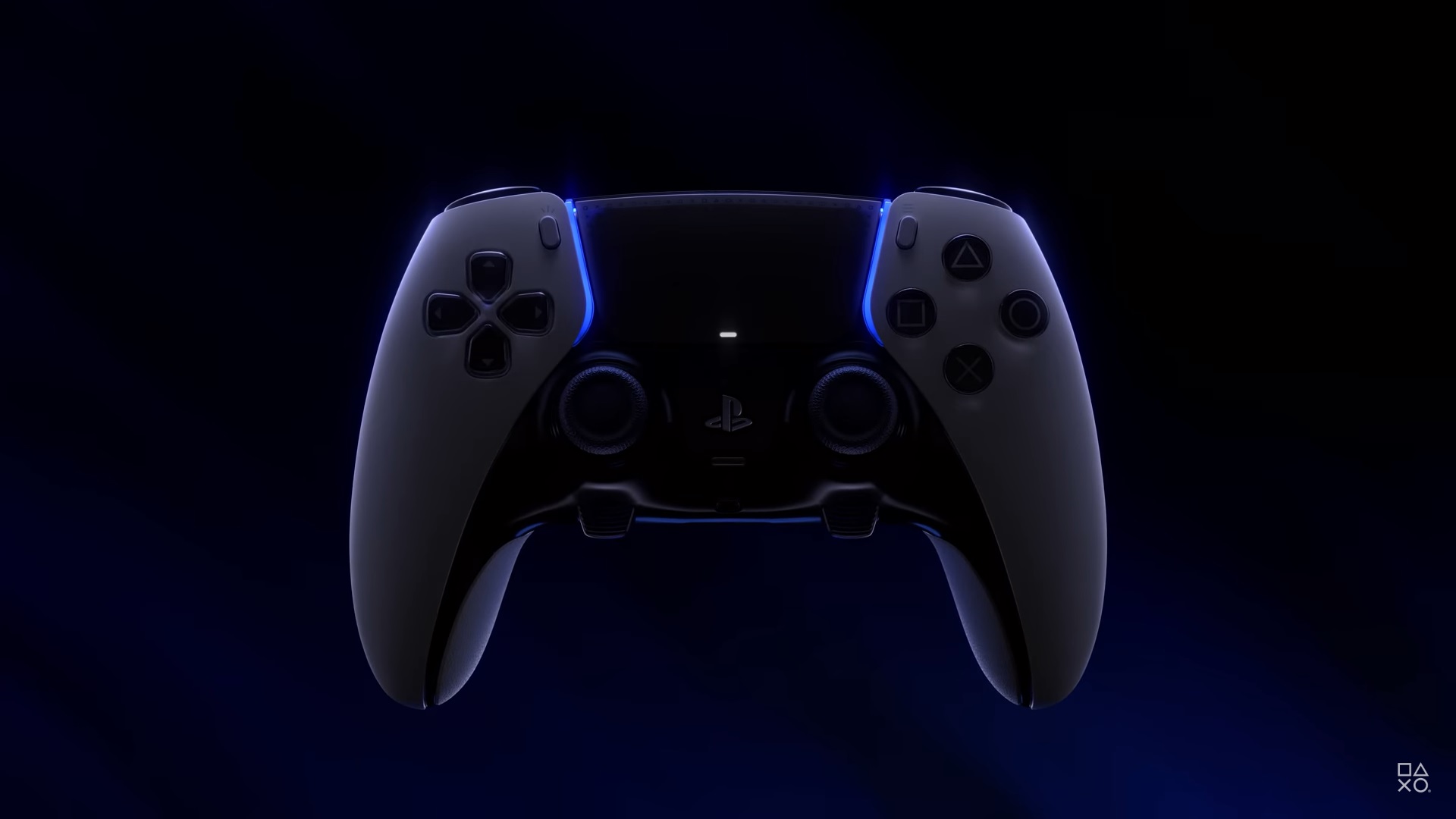
How to Update a PS5 DualSense Controller
Your PS5 DualSense controller isn’t just a plastic rectangle you mash buttons on—it has fancy features like haptic feedback and adaptive triggers! To keep it working at its best, you have to keep its firmware up-to-date.
Ways to Update Your PS5 Controller:
1. Auto-Update:
This is the easiest method, and it often happens automatically when your PS5 is chilling online:
- When you turn on your PS5, it checks for updates, including controller firmware updates.
- If there’s one available, you’ll see a message asking you to install it. Just follow the on-screen prompts.
2. Manual Update:
If you prefer to take charge or haven’t seen an update prompt:
- Grab your DualSense and use the included USB cable to plug it into your PS5.
- Head to “Settings” > “Accessories” > “Controller (General)”.
- Select “DualSense Wireless Controller Device Software”. If there’s an update waiting, you’ll see an option to install it. Follow the on-screen instructions.
Why Update?
- Smoother Moves: Updates often make your controller faster, more responsive, and easier to connect – basically, a dream for any gamer.
- New Tricks! Sometimes, Sony throws in cool new features or tweaks old ones through updates, giving you fresh ways to interact with your games.
- Bug Squashing: Updates also fix any annoying bugs or glitches that might be messing with your controller’s performance.
Important Reminders:
- Power Up & Online: Make sure your PS5 is turned on and connected to the internet before updating.
- Don’t Be a Disconnector: Avoid turning off your console or unplugging the controller while the update is happening.
- Wireless Update Bonus: Since PS5 updated at 7.00, you can update your controller wirelessly! Just connect it wirelessly, and a prompt will appear if there’s an update.
Troubleshooting Tips:
- No Update Found? That means your controller is already rocking the latest firmware – nice!
- If you run into problems, try restarting your PS5 and controller. You can also try updating manually with the USB cable.

Marcus Kade
Marcus Kade is Managing Editor at Spiel Times, covering breaking gaming news with a focus on the industry's business side. When not writing, he's probably losing a co-op game to his partner.
View all articlesRelated Articles
View All
BioWare’s 31-Year Journey Ends as EA Cancels the Next Mass Effect Game
BioWare’s closure marks the end of a studio that helped shape modern role-playing games. On October 21, 2026, Electronic Arts...
Squadron 42 Reveals New Gameplay and PC Requirements Ahead of 2027 Launch
After more than a decade of development, one of the most ambitious space adventures is moving closer to release. Cloud...

GTA 6 on Switch 2? Nintendo Says It’s Rockstar and Take-Two’s Call
Grand Theft Auto 6 is heading toward its November 19 launch, yet one question keeps coming up: could Vice City...